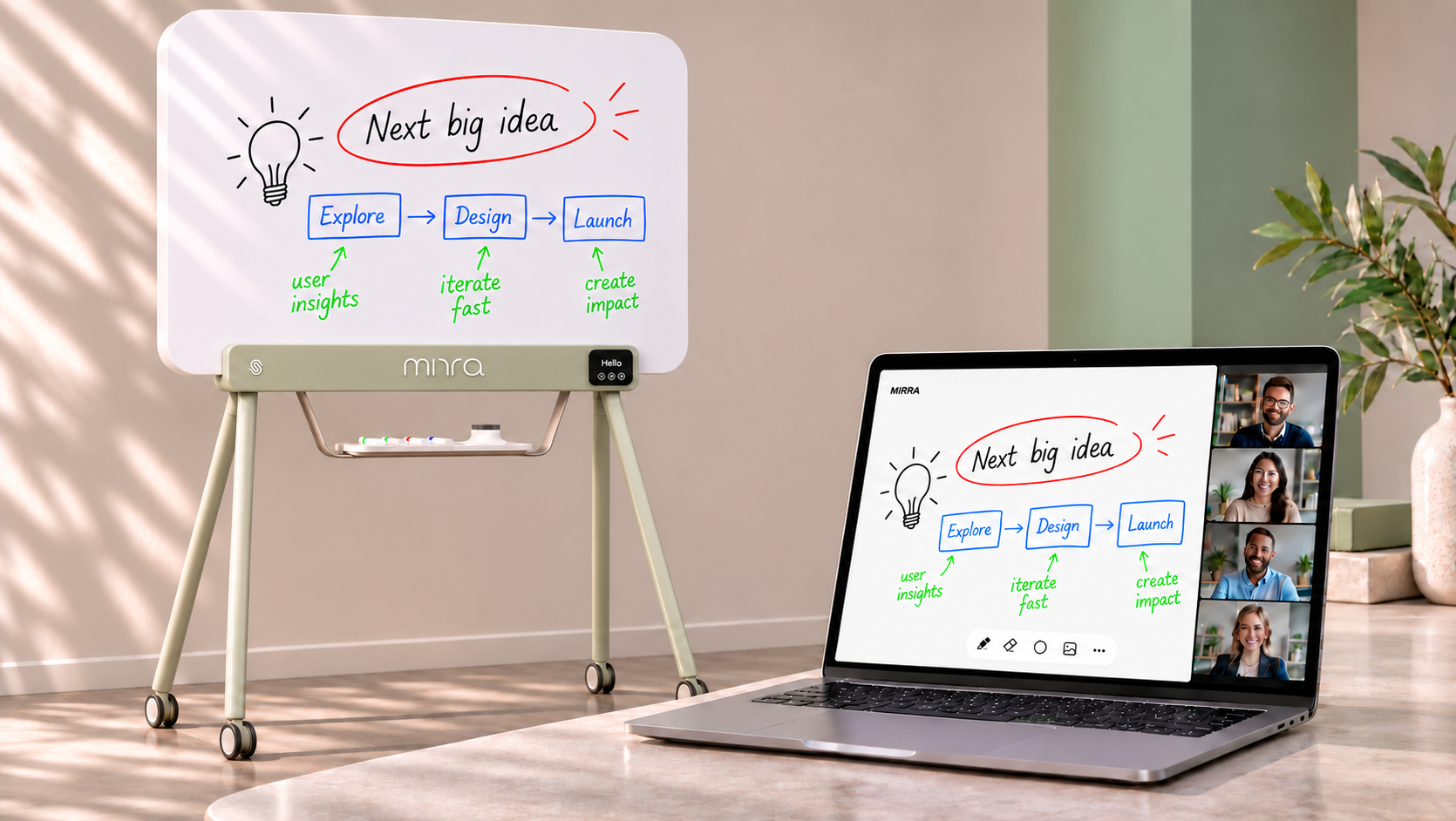
iskn MIRRA App makes collaboration flow.
Your board. Live on screen.
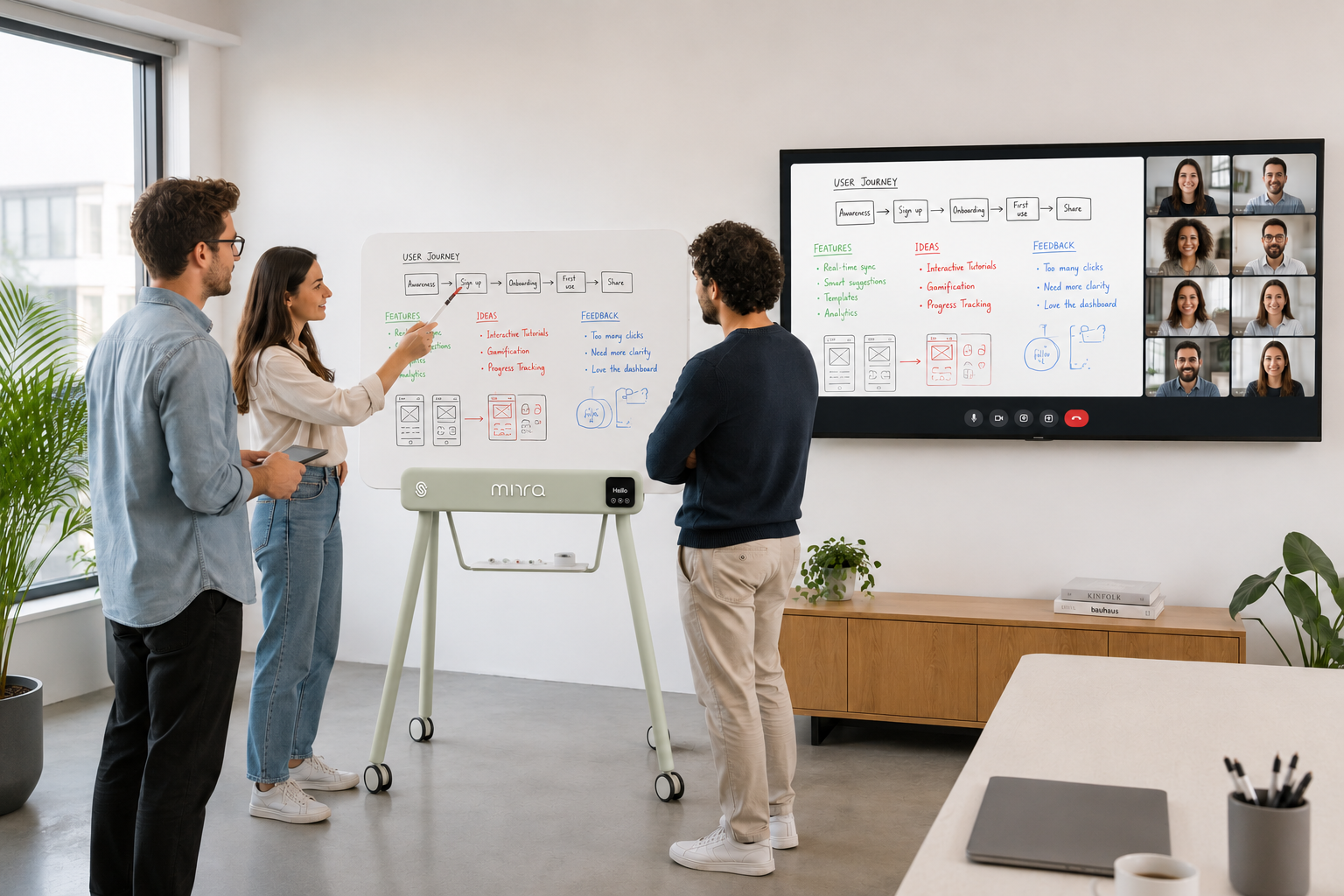
iskn MIRRA app brings everything happening on your physical board into the digital world, instantly.
Write, draw, erase and collaborate naturally using real tools. Every gesture is captured and shared in real time, creating a more equitable meeting experience for everyone, whether in the room or joining remotely.
No new way of working. Just your whiteboard, connected.
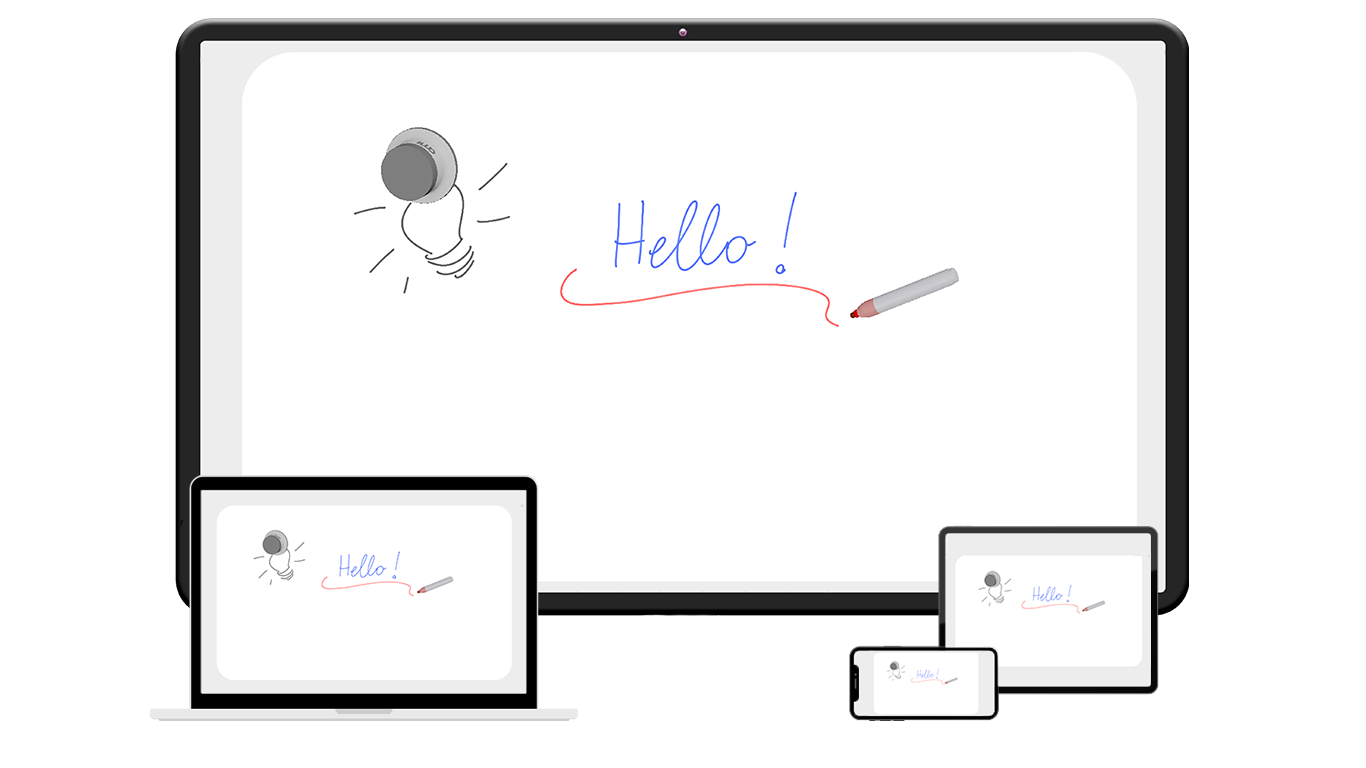
Easy to deploy.
Built for your IT environment.
Available in MSIX, EXE, PKG and DMG formats, the iskn MIRRA App gives IT teams the flexibility to choose the installation method that best fits their company’s infrastructure and security policies.
Whether for individual installation or centralized deployment, the app is designed to integrate smoothly into corporate IT environments.
Your infrastructure. Your deployment choice.
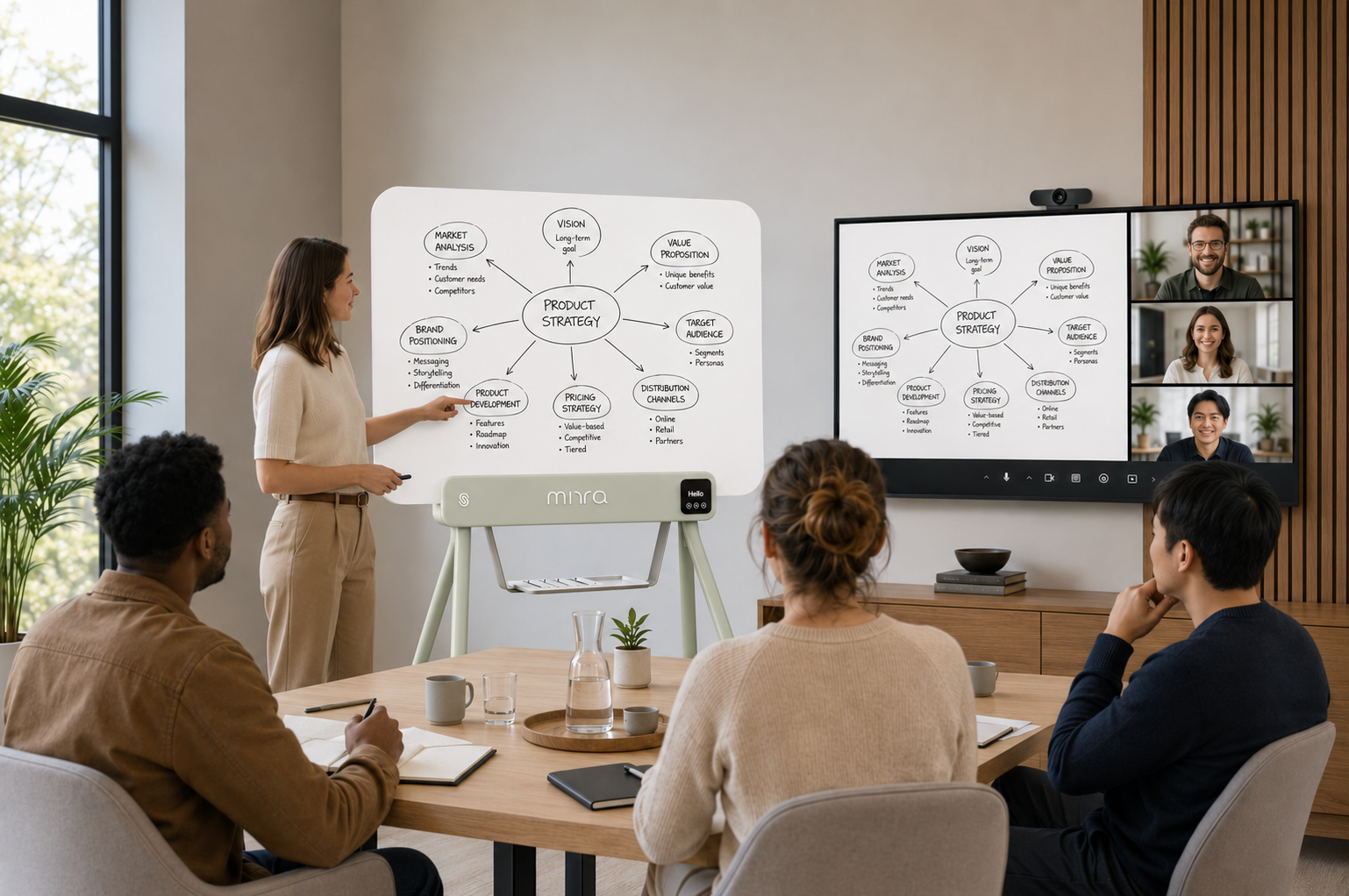
Ready for hybrid collaboration.
Share the app through your usual video conferencing platform and let remote participants follow the board live, improving meeting equity by giving everyone the same clear view of the content.
The system tracks the position and orientation of each tool in 3D, allowing the app to understand how tools are being used in real time.
No camera pointed at the board. Just the content that matters.
Universal screen sharing.
No dedicated video conferencing integration required.
Bring your whiteboard into the conversation. Simply share the MIRRA app window through your usual video conferencing platform Teams, Zoom, Google Meet and more. Remote participants can follow every stroke and sketch in real time.
No dedicated camera. No specific room system integration. Just your ideas, shared live.

Automatic tool & color
recognition.
Red, green, blue or black, the app automatically recognizes the marker and its color.
No digital color selection. Just pick up a marker and write.
No erase mode to select, the app understands the gesture automatically.

Multi-tool.
Multi-touch.
Use two tools simultaneously: markers, erasers, or both.
Two people can write, draw or erase at the same time, just like on a traditional whiteboard.
Two tools. One board. Zero interruption.
Everything you need.
Built right in.

On-board
interface.
Access key actions directly from the board: save, clear, QR code and more.

Instant
capture.
Capture the board at any time and save its current content as a PNG image or in PDF format directly to your computer.
USB
connectivity.
Connect the Digital Markerboard to your computer via USB, launch the app and start writing.
FAQs.
What is the iskn MIRRA App?
The iskn MIRRA App connects the physical Digital Markerboard to your computer. It captures writing, drawing and erasing in real time, turning physical whiteboard content into a live digital canvas that can be shared or saved.
How does the iskn MIRRA App capture handwriting?
The MIRRA Digital Markerboard tracks compatible tools as they move across the surface. The app reproduces physical strokes digitally in real time while preserving the natural character of handwriting and drawing.
Can multiple people write on the iskn MIRRA Digital Markerboard at the same time?
Yes. The system supports two tools simultaneously, allowing two people to write, draw or erase at the same time for natural collaborative whiteboarding.
Does the app automatically recognize marker colors?
Yes. The app automatically recognizes compatible red, green, blue and black markers. Users can simply pick up a marker and start writing without selecting a color in the software.
Can the app recognize both markers and the eraser?
Yes. The system recognizes compatible markers and the dedicated eraser automatically, so users can move naturally between writing and erasing without switching tools in the app.
Does digital erasing match what I erase on the physical whiteboard?
Yes. Erasing is reproduced digitally in real time. The dedicated eraser can be used flat for larger areas or tilted for more precise corrections.
Can I share the iskn MIRRA Digital Markerboard during a video meeting?
Yes. The live digital canvas can be shared from the connected computer using the screen-sharing function of your video conferencing platform, allowing remote participants to follow whiteboard content in real time.
Do I need a camera to share the physical whiteboard remotely?
No. The board content is captured digitally, so you do not need to point a camera at the whiteboard for remote participants to see what is being written.
Can I save the content of the iskn MIRRA Digital Markerboard?
Yes. The current state of the board can be captured and saved as a PNG image directly to the connected computer, making it easy to preserve meeting notes, diagrams and ideas.
How does the iskn MIRRA Digital Markerboard connect to a computer?
The iskn MIRRA uses a USB connection to communicate with the computer and its dedicated app, providing a simple and reliable connection for real-time whiteboard digitization.
Does the iskn MIRRA App require calibration?
No. The MIRRA Digital Markerboard is designed to work without user calibration. Connect the board, launch the app and start writing with compatible tools.
Is the iskn MIRRA App suitable for hybrid meetings?
Yes. It combines natural physical whiteboarding with real-time digital capture, allowing people in the room to use a familiar writing surface while remote participants follow the same content digitally.
What is the difference between iskn MIRRA Digital Markerboard and an interactive display?
iskn MIRRA preserves the experience of writing with real dry-erase markers on a physical whiteboard while digitizing the content in real time. Rather than replacing physical writing with a touchscreen, it connects the familiar whiteboard experience to digital workflows.
Newsletter
Suivez toutes les actualités et bons plans d'iskn.
Détails sur le suivi des e-mails dans notre Politique de confidentialité.