
Collaboration has never been
so efficient.
Bringing people and ideas together.
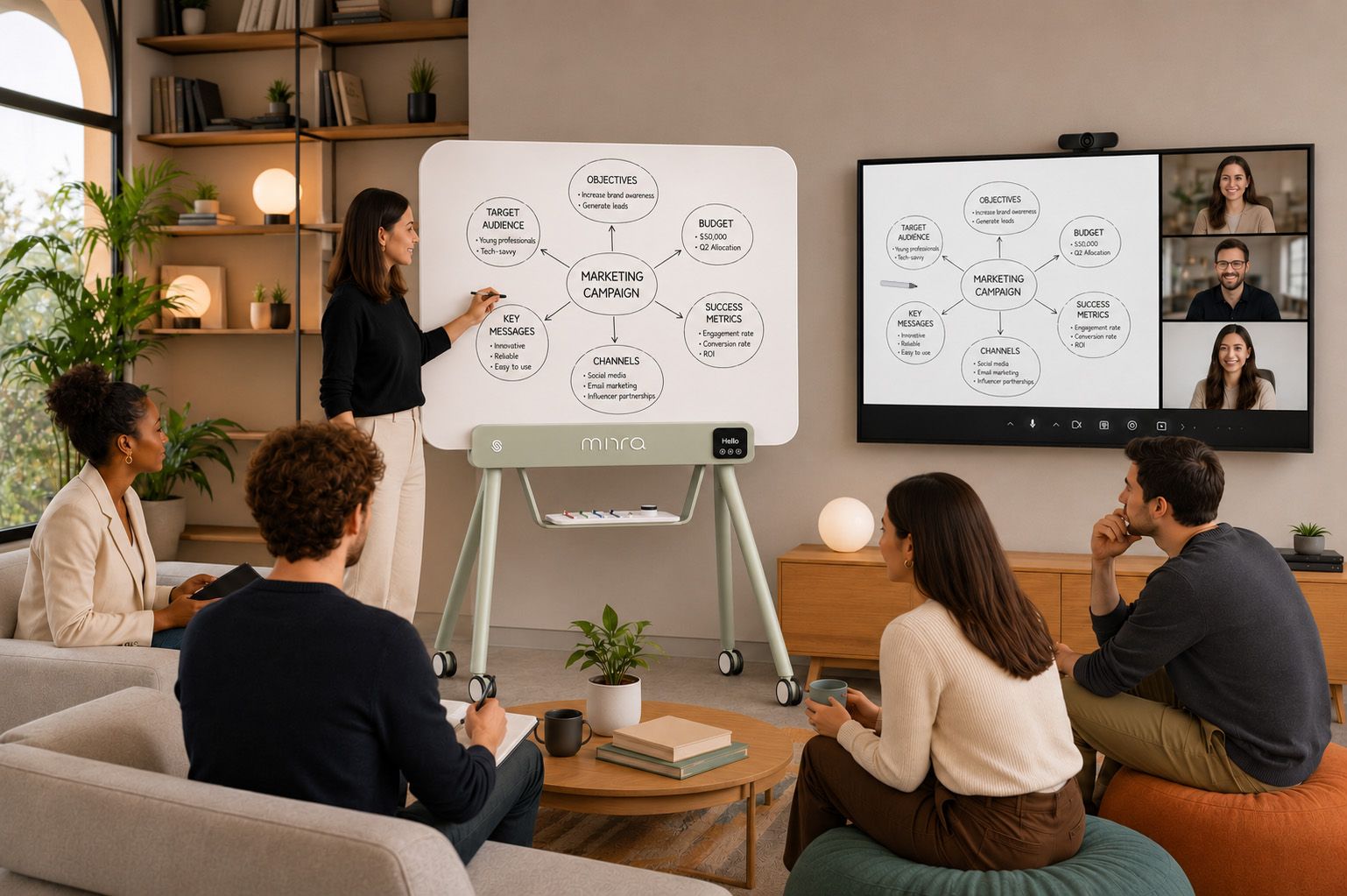
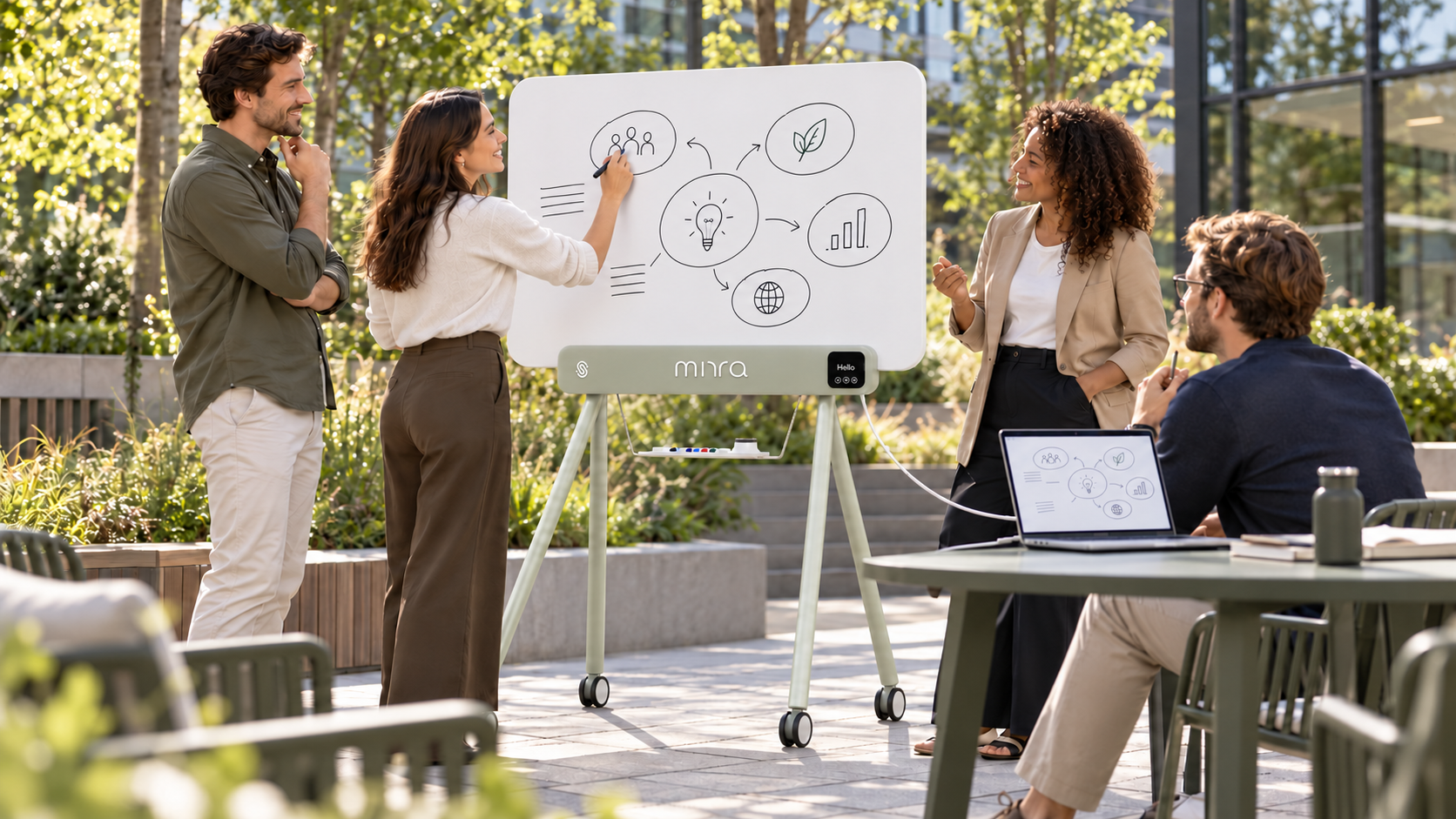
Great meetings run on words and visuals. iskn MIRRA captures both,
so hybrid teams see the same ideas at the same moment, wherever they are.
No one left behind. No idea left on the wall.
Everyone follows the
same ideas.
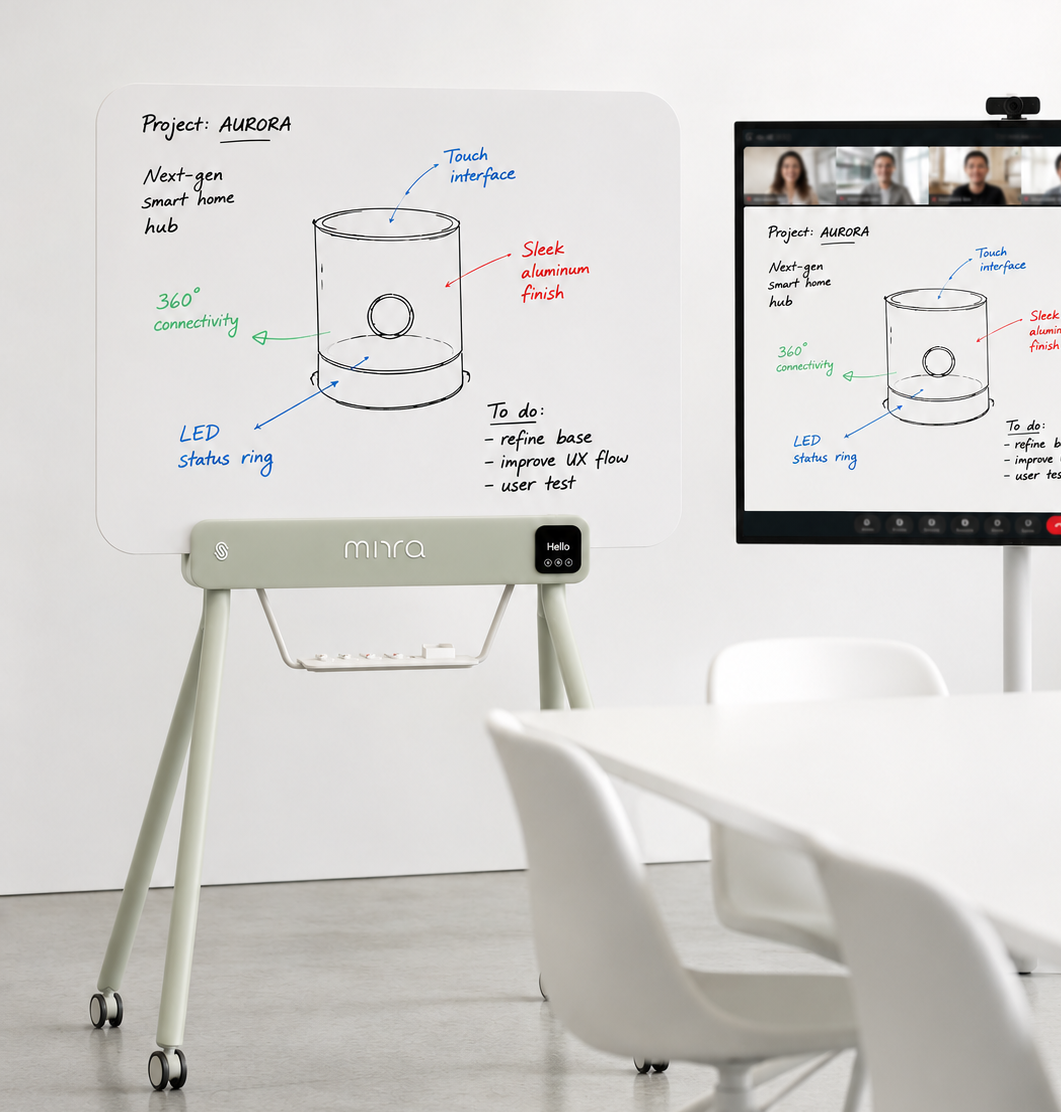
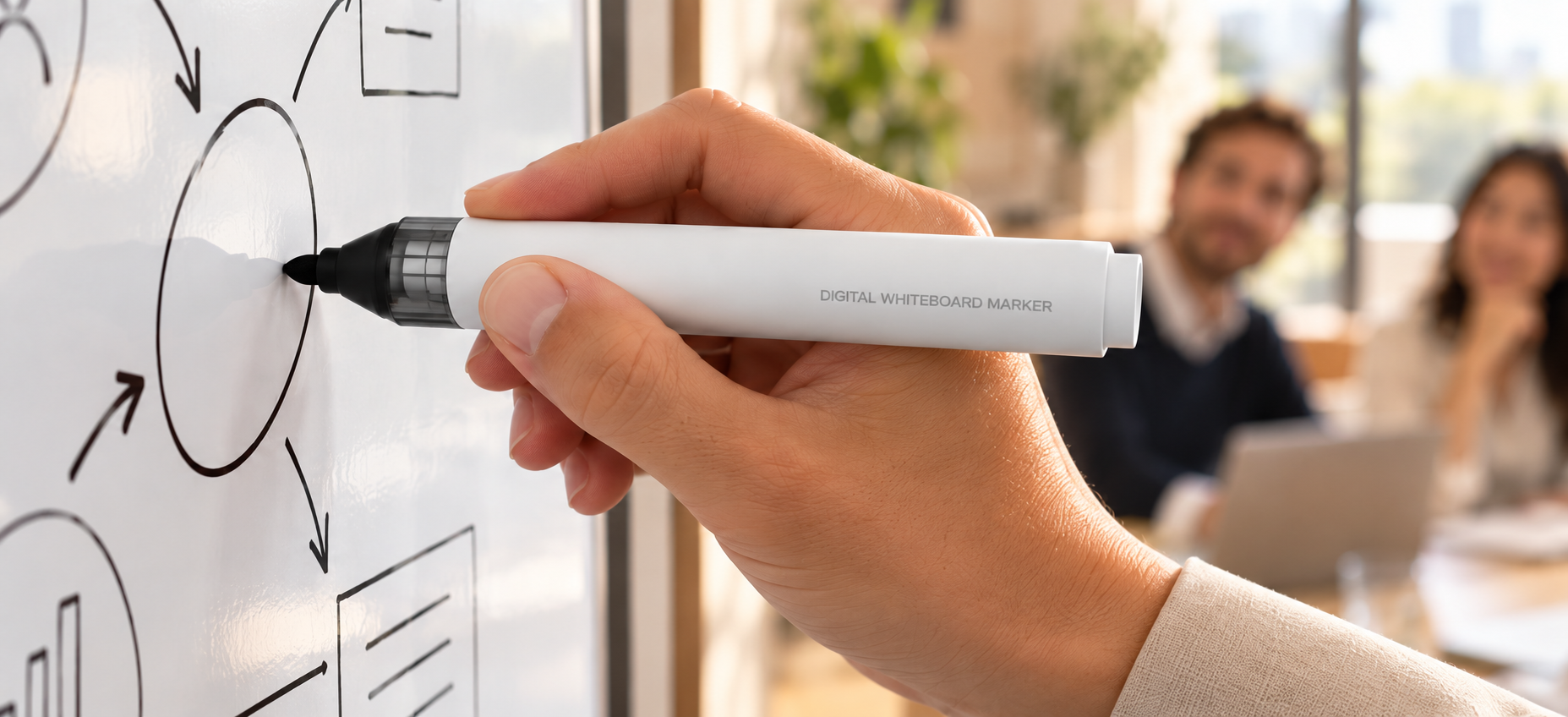
Write the way you always have: real dry-erase markers on a familiar surface. iskn MIRRA captures every stroke in real time and streams it to remote participants, so everyone follows the thinking as it happens.
No training to schedule.
No habits to change.
Connect. Write. Share.
1. Connect
Connect iskn MIRRA via USB or Bluetooth* and you’re ready. No calibration, no learning curve—just your whiteboard, now digital.
*available H2 2027
2. Write
Write, sketch and erase exactly as you always have. Every word and drawing appears instantly, in real time, with nothing lost.
3. Share
The board is saved the moment the meeting ends. Share it with everyone who was there, and everyone who wasn’t.
Built for the way your teams meet.
From the boardroom to the project room, iskn MIRRA brings natural writing and instant sharing wherever work gets done.
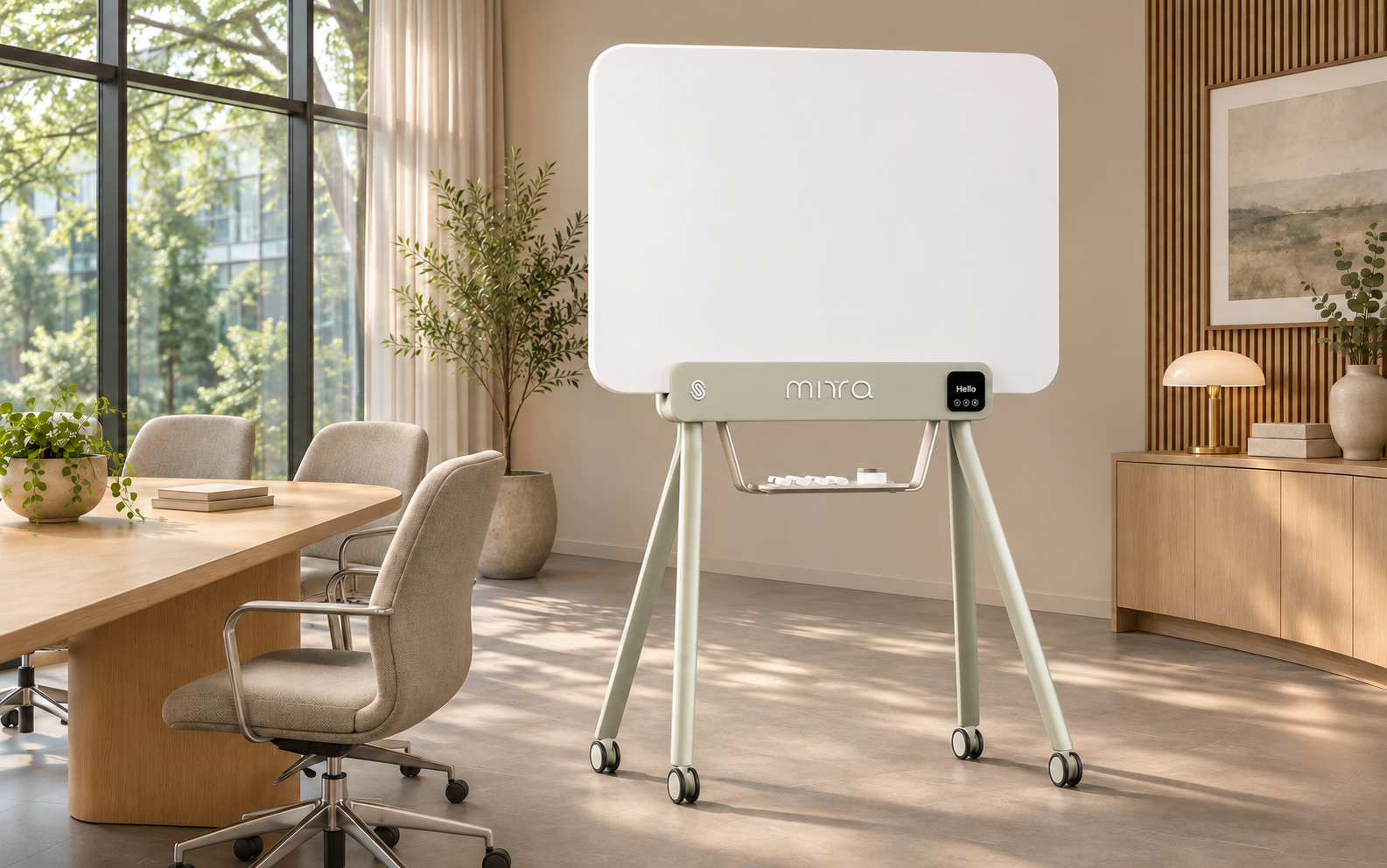
Boardrooms &
meeting rooms.
Where strategy takes shape and every decision-maker has a seat, wherever they are.
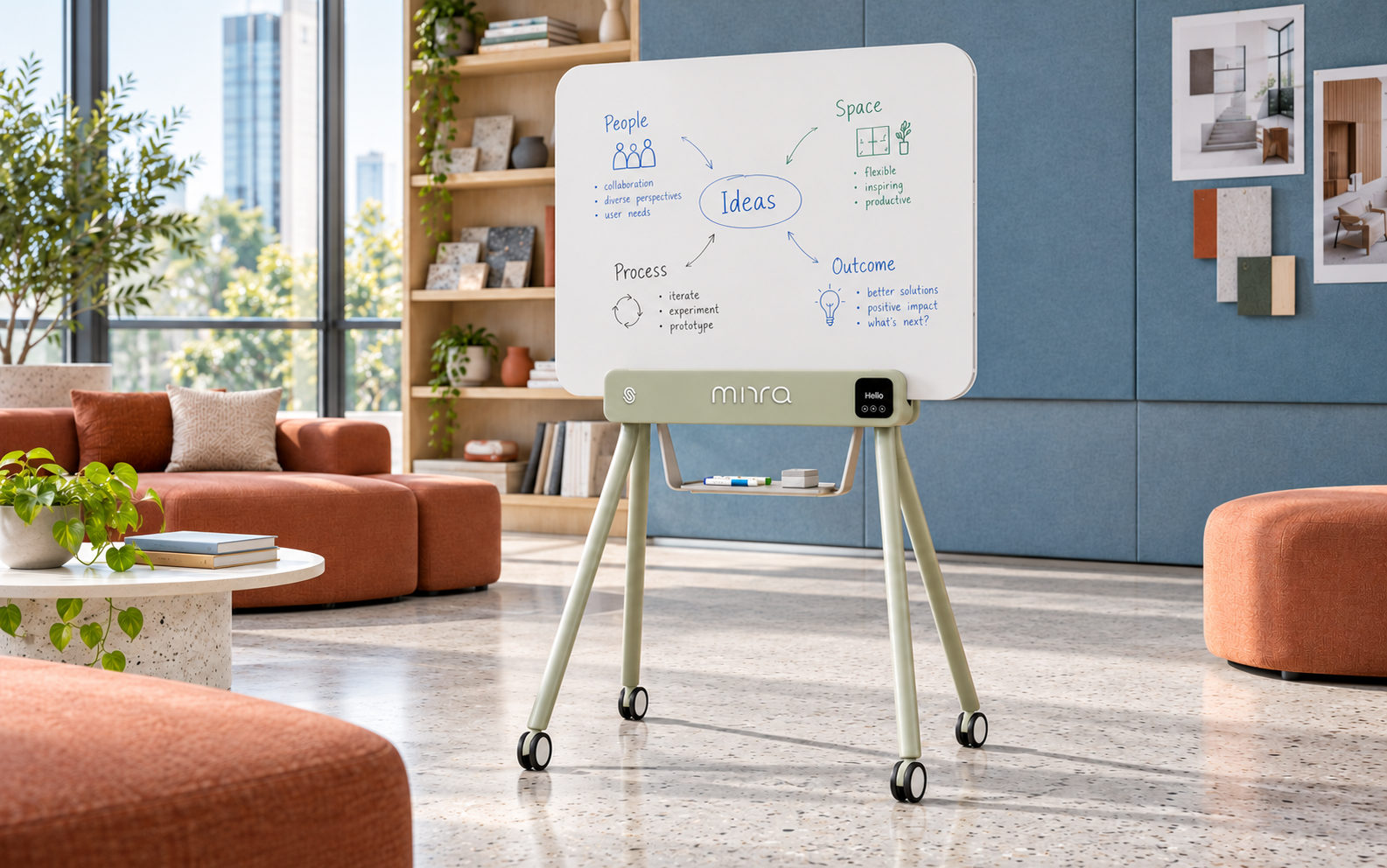
Brainstorming
spaces.
Spark ideas, build on each other, never lose a breakthrough.
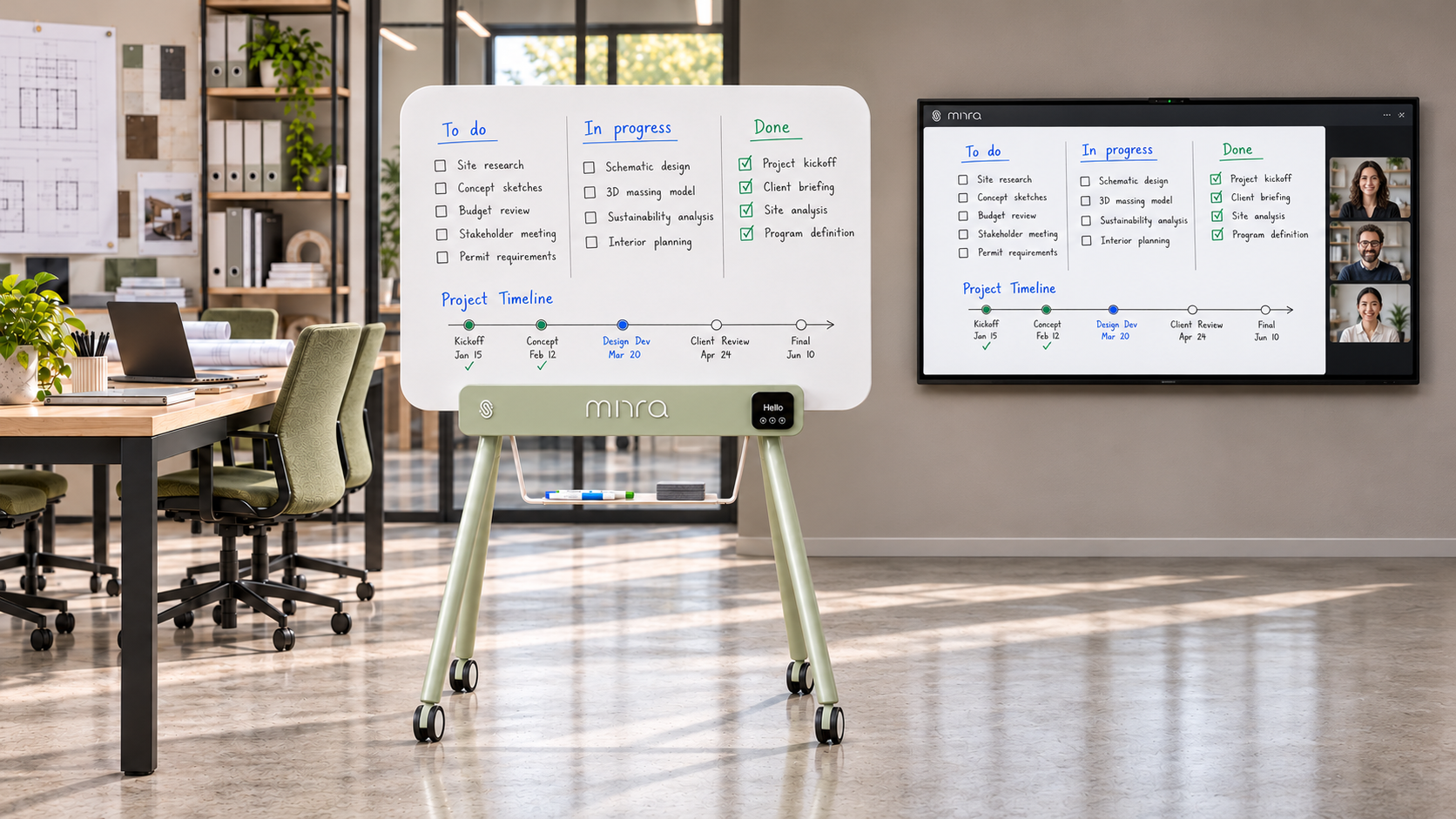
Project
spaces.
One plan, shared across sites, moving forward together.
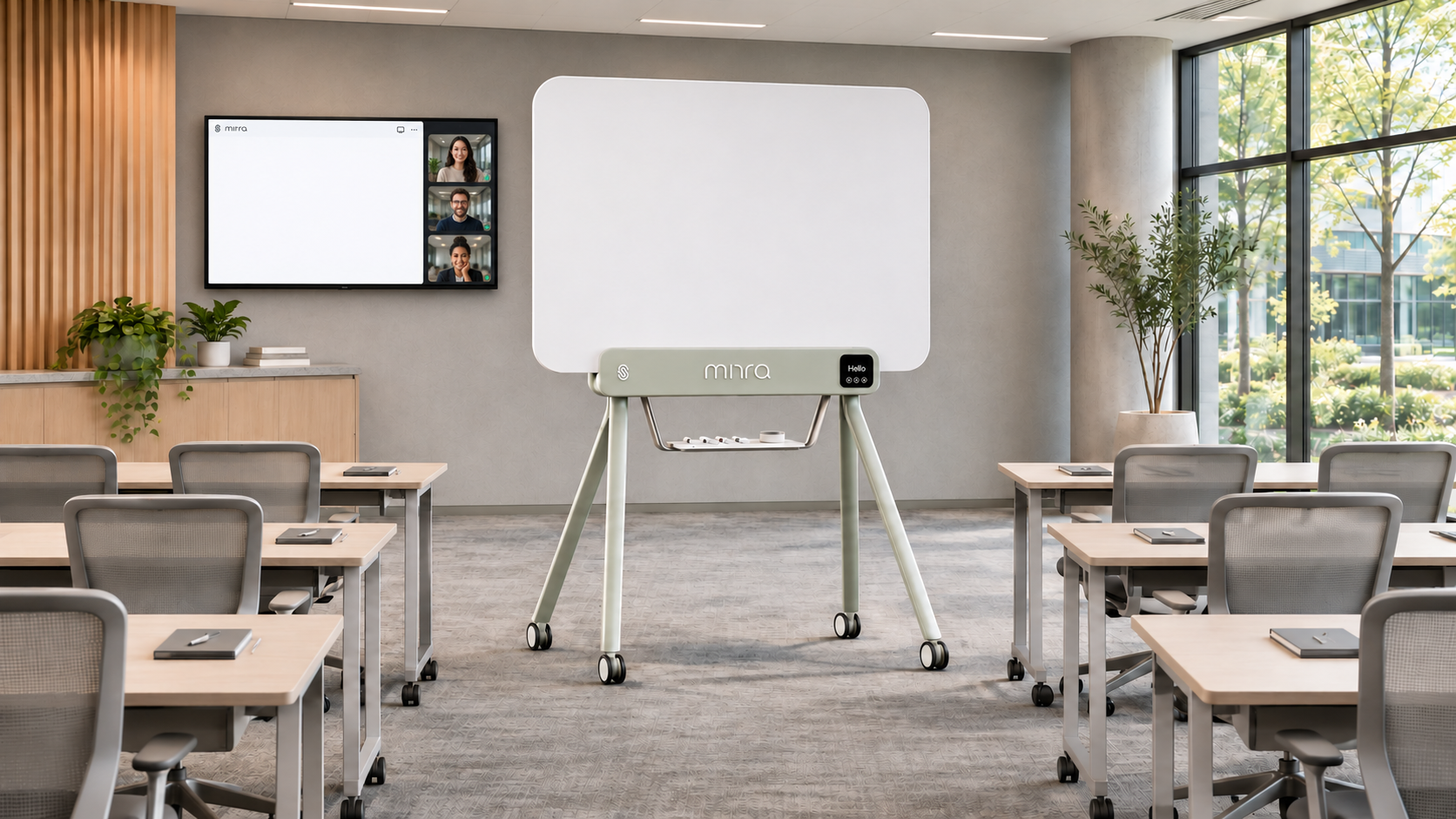
Training
rooms.
Teach visually, share instantly, leave no learner behind.
Familiar tools. Hidden intelligence.
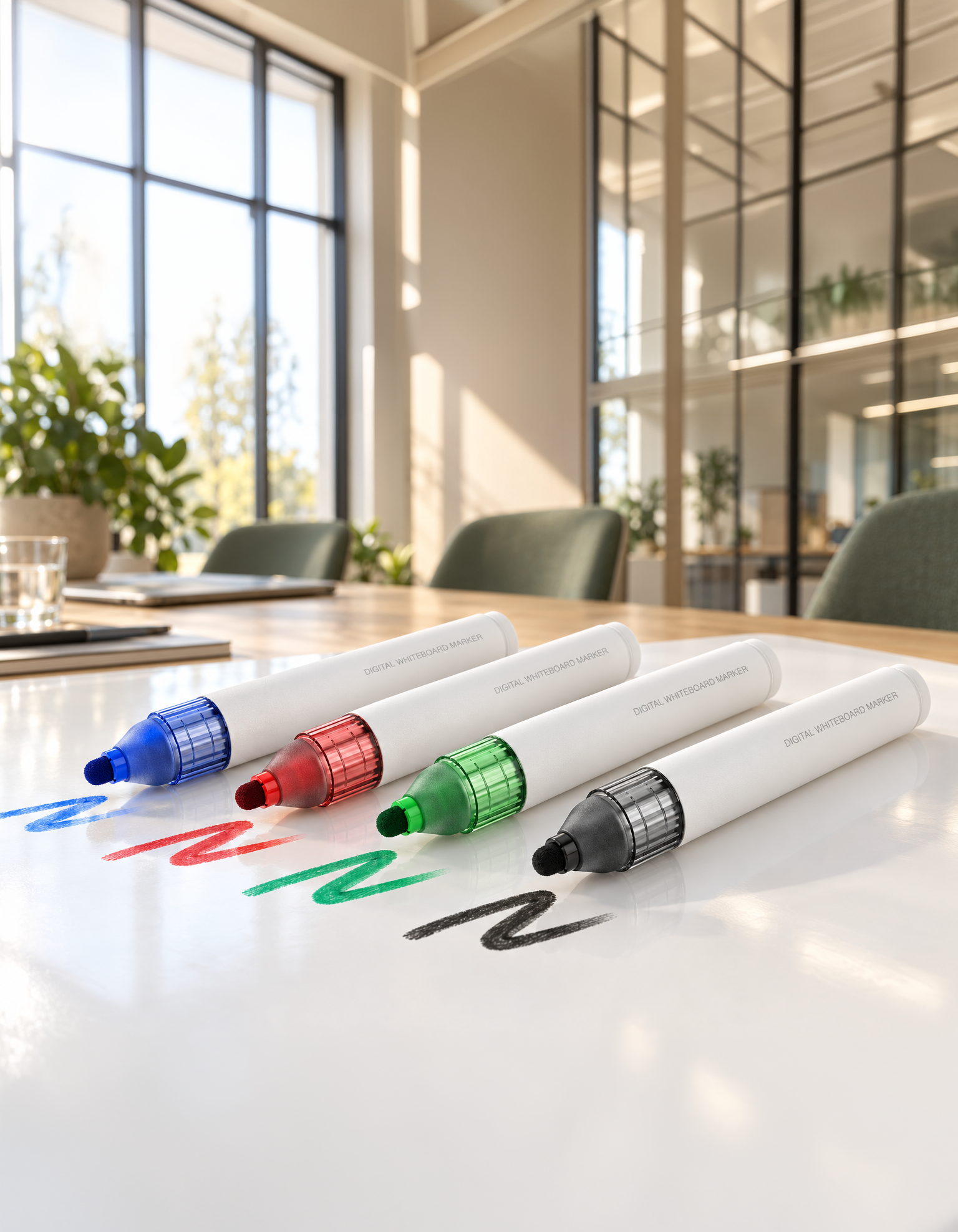
iskn MIRRA markers
Write naturally, just like with any whiteboard marker. Each color is detected automatically, and every stroke appears on screen with all its character, a true mirror of the ink on the board.
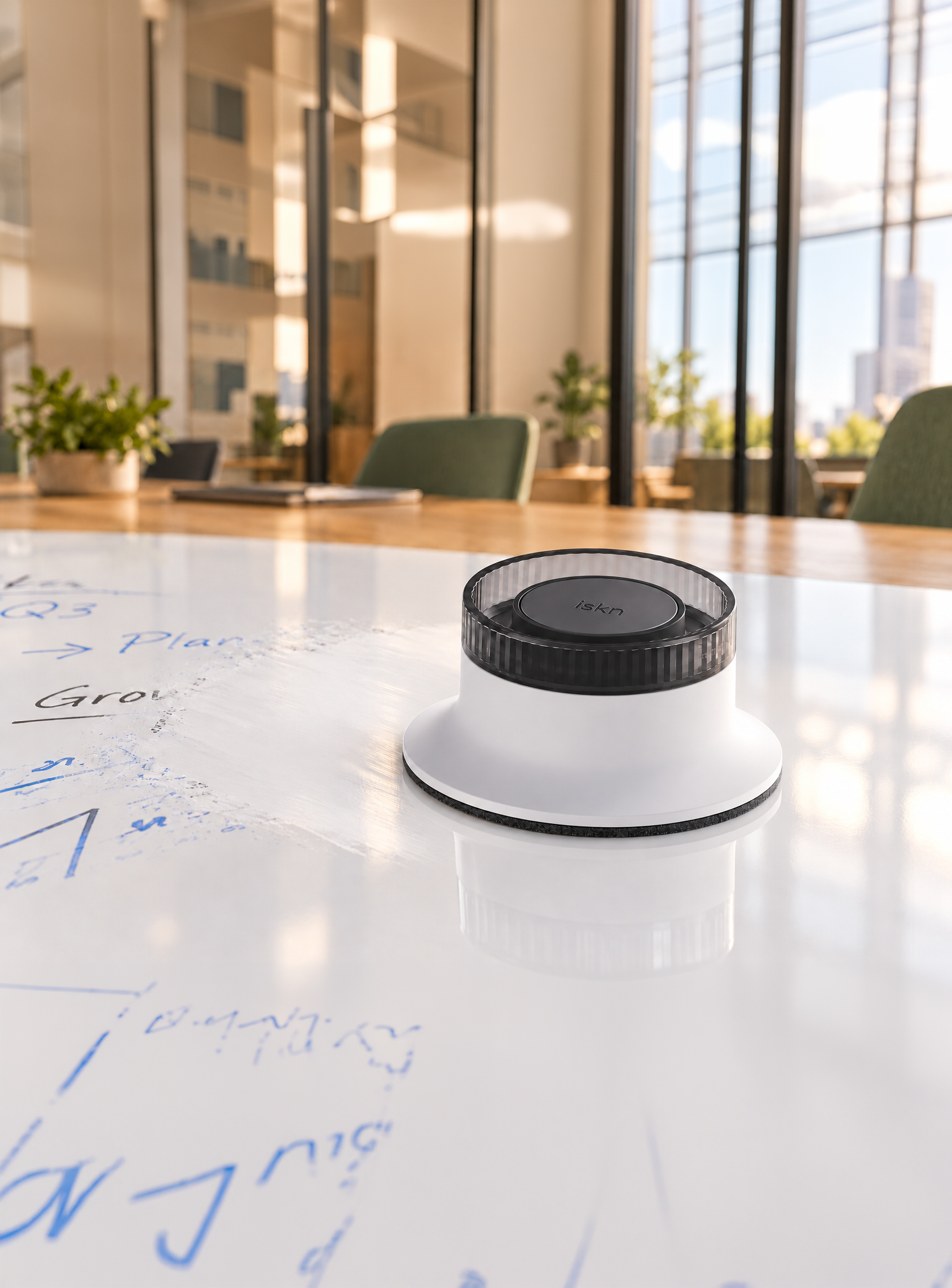
iskn MIRRA Eraser
Wipe the board as usual and the digital copy is erased at the same time. Tilt the eraser and use its edge to erase a single letter or a small detail, on the board and on screen at once.
The magic behind every marker.
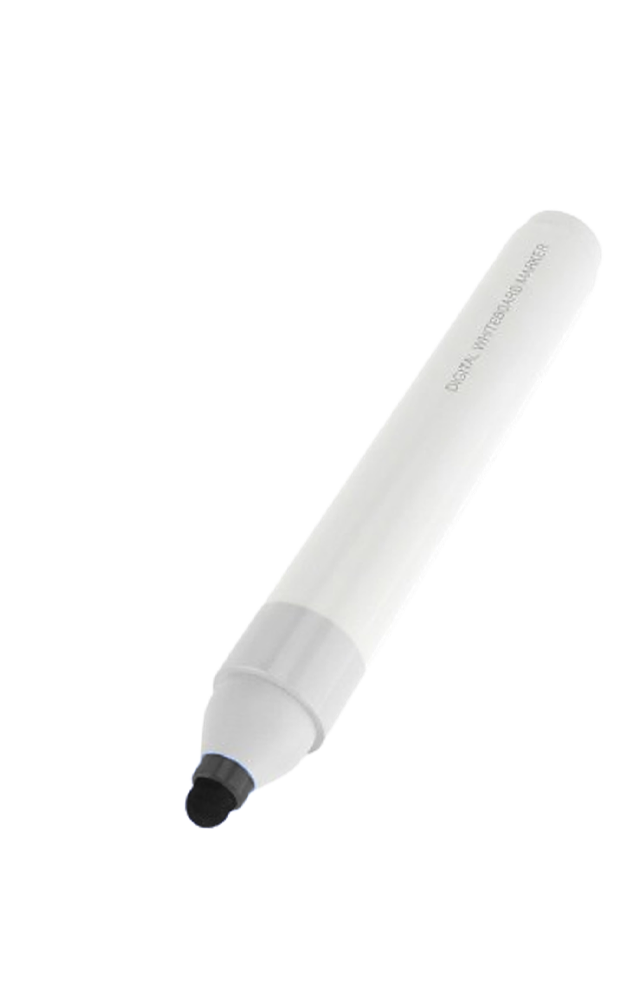
1. Grab a marker.
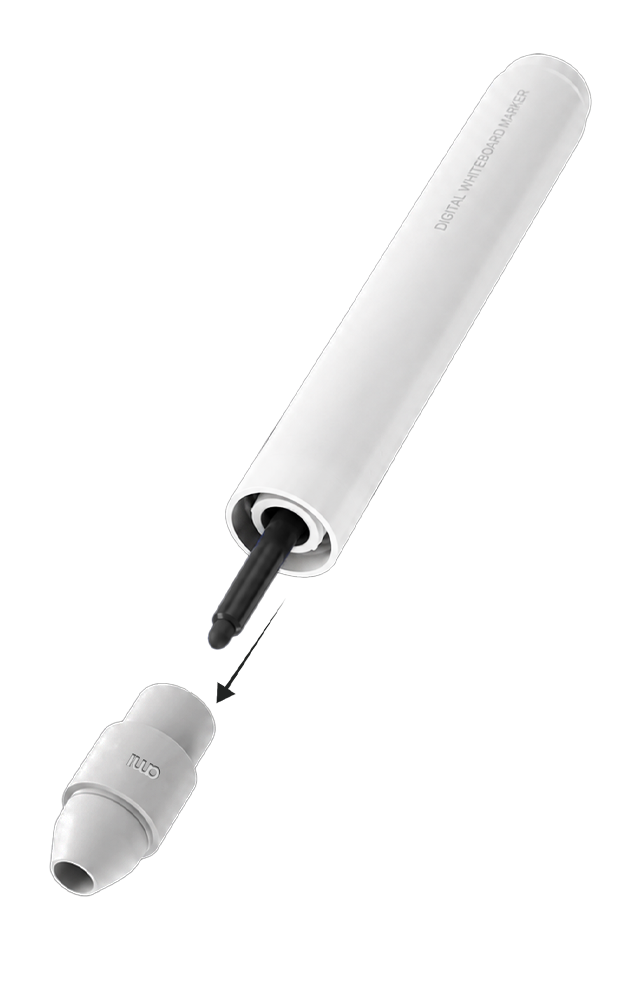
2. Unscrew the
marker nose.
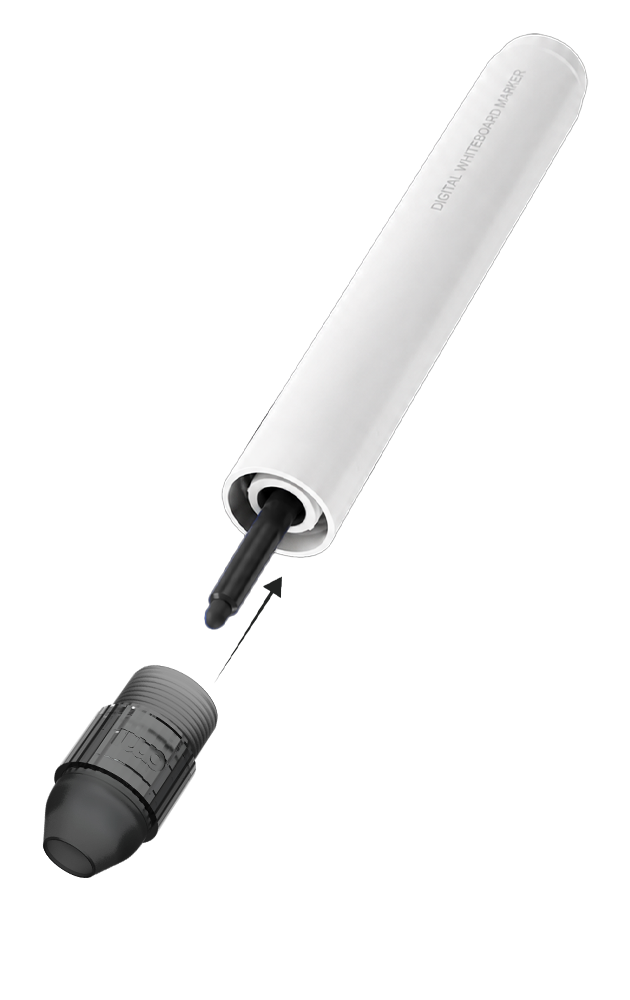
3. Snap on the
Magnetic Nose.
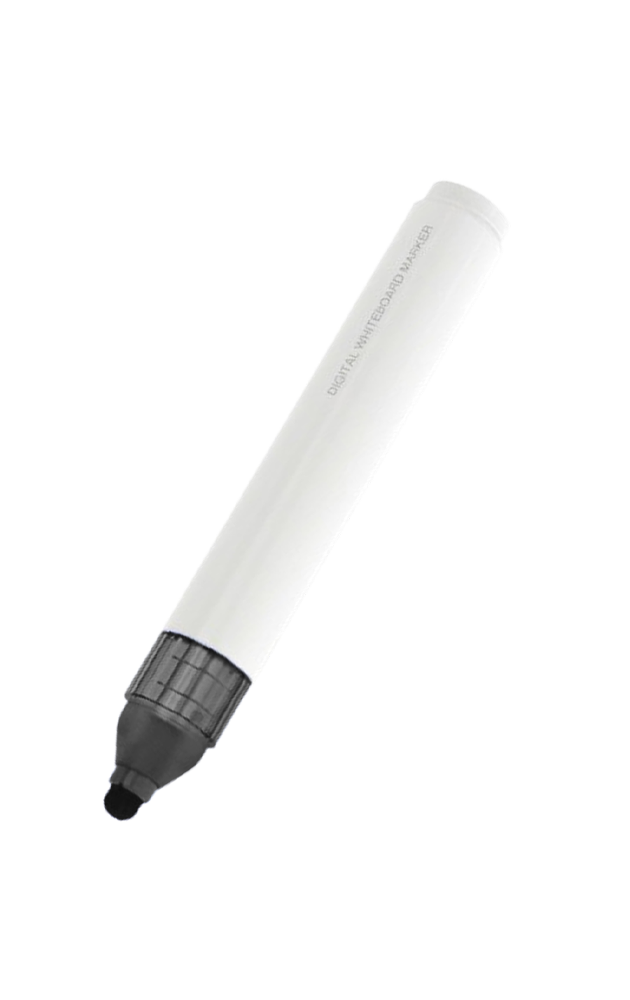
4. Write as usual and
watch it go digital.
Every idea starts with a simple gesture.
The real feel of markers. No stylus, no touchscreen, no adjustment period - anyone can step up and write.
Automatic tool detection
(markers & eraser)
Automatic color detection
True-to-life stroke thickness, from fine lines to bold strokes
Precise erasing, from a full wipe to a fine correction
Plug & Play simplicity
Zero learning curve
Maintenance-free
Mobile, it goes where your teams go.
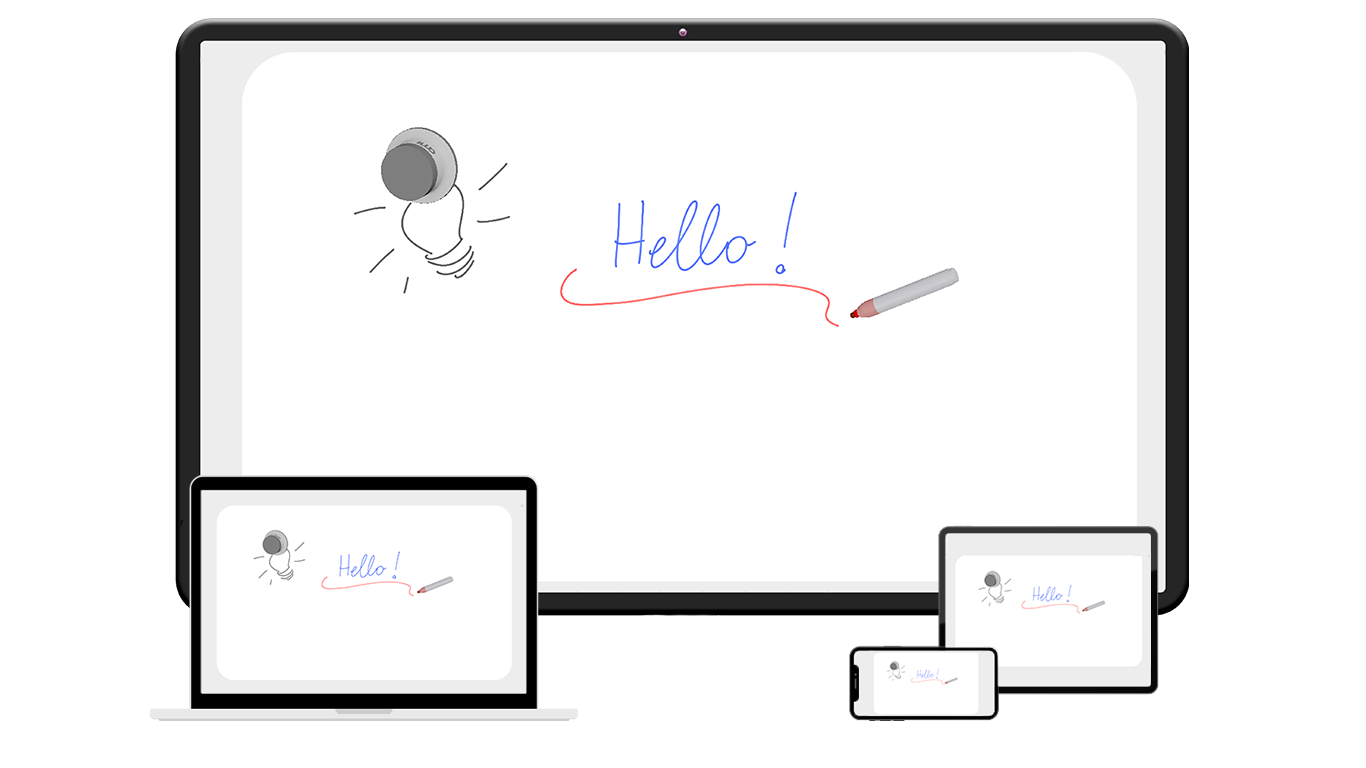
Your board. Your device. Anywhere.
Connect your Digital Markerboard to your smartphone, tablet, laptop and keep your ideas moving across meeting rooms, project spaces and impromptu workshops.
One cable. Power + data.
A single USB connection powers the board and transfers your writing in real time. No separate wall outlet needed.
Roll in. Write. Share.
Running a workshop away from your desk? Pair the board with a compatible smartphone or laptop to capture, save and share your ideas.
The app behind every idea.
The iskn MIRRA app connects everything your team writes, live, in the room, or from anywhere.
Your IT team will love this.
Designed for confidential meetings. Built to fit your IT environment.
No camera.
Greater privacy.
Capture what you write without filming the room, participants, nearby documents or screens.

Local processing.
Local storage.
Writing data goes directly to the app on the connected computer. Saved content stays on that computer, with no automatic upload to an external cloud.
No cloud required.
Write, capture and save without relying on an external cloud platform or service.
USB-C.
No network setup.
The board connects directly to a compatible computer, without joining your corporate network. No built-in wireless connection.
You control what gets
shared.
Decide what to share, when and with whom, using your organization’s chosen collaboration tools.
Deployment designed
for IT.
A signed application and an MSIX package support machine-level installation, helping IT deploy across company computers.
iskn MIRRA, the simplicity of a whiteboard. The power of digital.
iskn MIRRA | Traditional Dry-Erase Whiteboard | |
|---|---|---|
Real dry-erase handwriting |  | |
Broad & precise erasing | | |
Two users at once | | |
Remote collaboration | |  |
Instant Digitization | | |
Automatic tool detection | | N/A |
Automatic color detection | | N/A |
Content Sharing | | |
Content Saving | | |
“iskn MIRRA changes how we work together. Whether we’re in the same room or miles apart, every idea is shared, and everyone stays in the loop. Meetings feel more engaging, collaboration is smoother, and our team gets more done.”
— Marc V., CXO
FAQs.
Does the iskn MIRRA Digital Markerboard require calibration or setup?
No calibration is needed. The iskn MIRRA Digital Markerboard is designed to be plug-and-play, minimizing setup time. Simply connect the board (via USB or Bluetooth, depending on the model), and it’s ready to use. The system automatically detects writing tools, recognizes their position, and even tracks colors without any manual adjustments.
How does the iskn MIRRA digitize my handwriting? What’s the technology?
The iskn MIRRA (digital markerboard) uses AMI's proprietary GMS™ magnetic sensing technology, developed through years of research in magnetometry. It detects markers and erasers equipped with specific magnetic components. As you write or erase on the board, each stroke and swipe is captured in real time and instantly digitized, allowing seamless sharing across connected devices, whether you're in the room or remote.
How do I clean and maintain the iskn MIRRA digital markerboard ?
The surface is made from standard dry-erase material, so cleaning is simple and familiar. Use regular whiteboard cleaning products or a soft cloth to remove ink. There’s no special care required, just the same maintenance you’d expect from any traditional whiteboard.
Is it easy to install the iskn MIRRA in my workspace?
Yes. Installation is as simple as mounting a standard whiteboard. Whether you're placing it on a wall or integrating it into a mobile stand, the board is lightweight, low-profile, and doesn’t require complex wiring. With wireless (Bluetooth) or USB options, it fits seamlessly into both new and existing workspaces, ready to go with minimal disruption.
Is there any software or app required for digital sharing?
No additional software is required beyond a simple whiteboard app. The whiteboard integrates easily with your existing tools. For digital sharing, just use your usual video conferencing platforms like Zoom, Microsoft Teams, or Google Meet, and share your screen. Your whiteboard strokes will appear live to remote participants—just as if they were in the room with you.
Do I need any special markers or erasers?
Yes, but with flexibility. You can use specially designed markers and erasers with built-in magnetic components that work seamlessly with the AMI technology. The compatible eraser allows precise erasing, including tilt-based detection—something not possible with traditional digital whiteboards.
Newsletter
Sigue todas las novedades y ofertas de iskn.
Información sobre el seguimiento de correos electrónicos en nuestra Política de privacidad.