
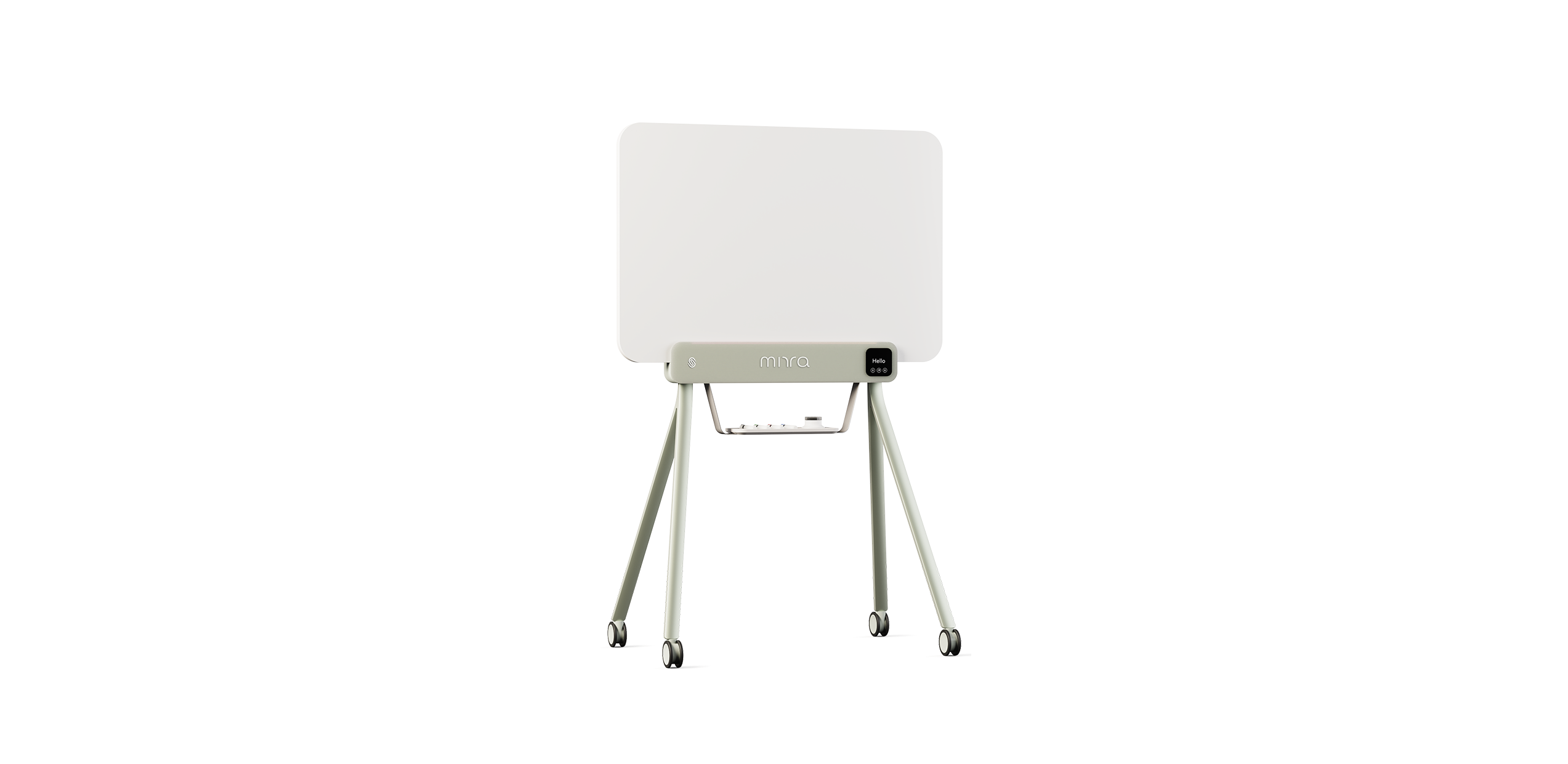
iskn MIRRA product
The whiteboard that captures and shares your writing digitally, without changing the way you work.
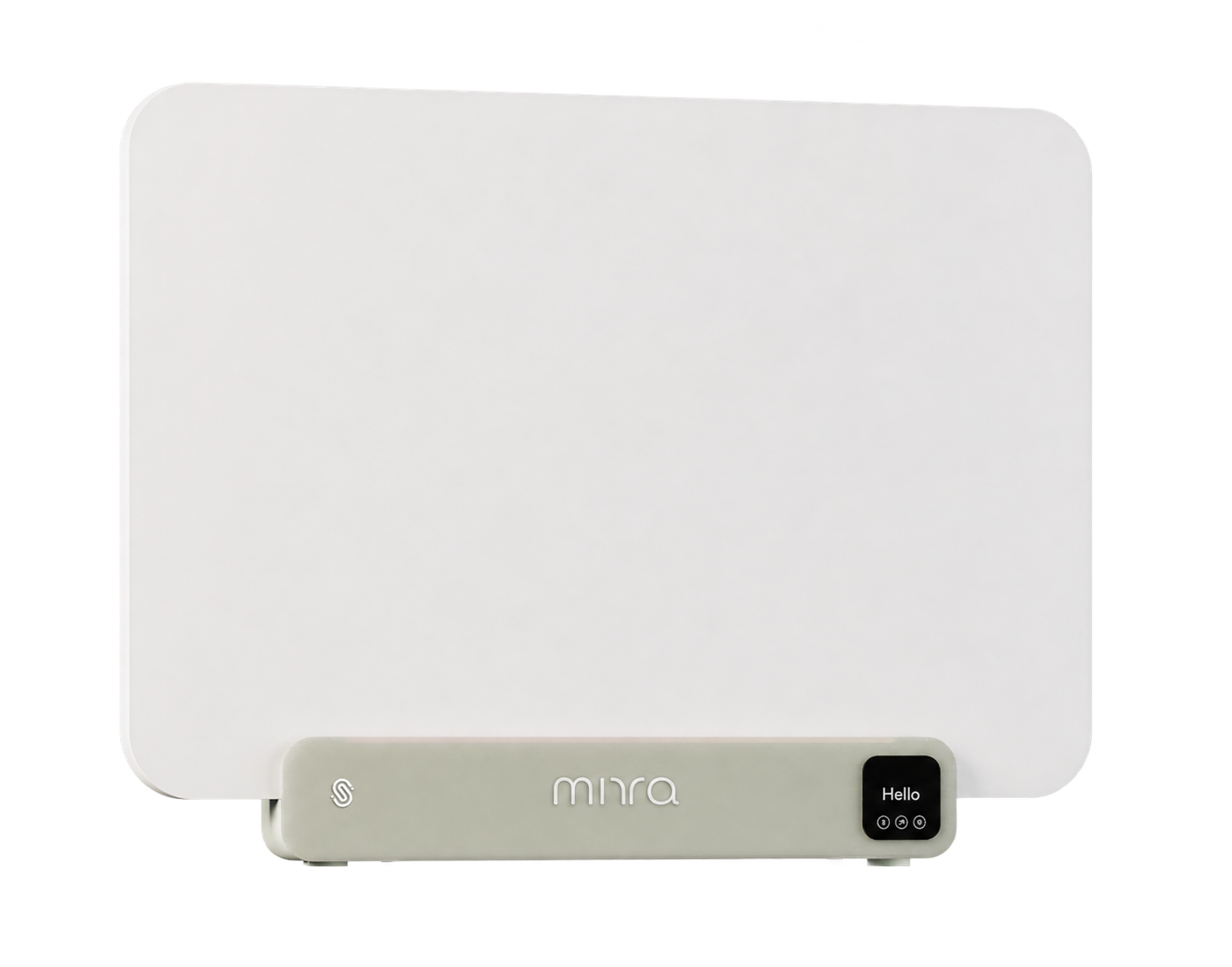
Bring natural collaboration to your meeting spaces. The iskn MIRRA Digital Markerboard combines the simplicity of a dry-erase board with digital capture, so teams can write and erase with real markers while their content appears in the dedicated app in real time.
Share the board through your video conferencing platform to include remote participants, then save and export the content to keep ideas moving after the meeting. No camera or calibration required.
Designed for workplaces, training spaces and classrooms, the iskn MIRRA fits naturally into familiar workflows, with no new writing habits to learn.
Description
Bring natural collaboration to your meeting spaces. The iskn MIRRA Digital Markerboard combines the simplicity of a dry-erase board with digital capture, so teams can write and erase with real markers while their content appears in the dedicated app in real time.
Share the board through your video conferencing platform to include remote participants, then save and export the content to keep ideas moving after the meeting. No camera or calibration required.
Designed for workplaces, training spaces and classrooms, the iskn MIRRA fits naturally into familiar workflows, with no new writing habits to learn.
Compatibility
PC Windows 10 or later
Computer with a USB connection
Dedicated Digital Markerboard app
Video conferencing software with screen sharing for remote collaboration
Specifications
Connectivity
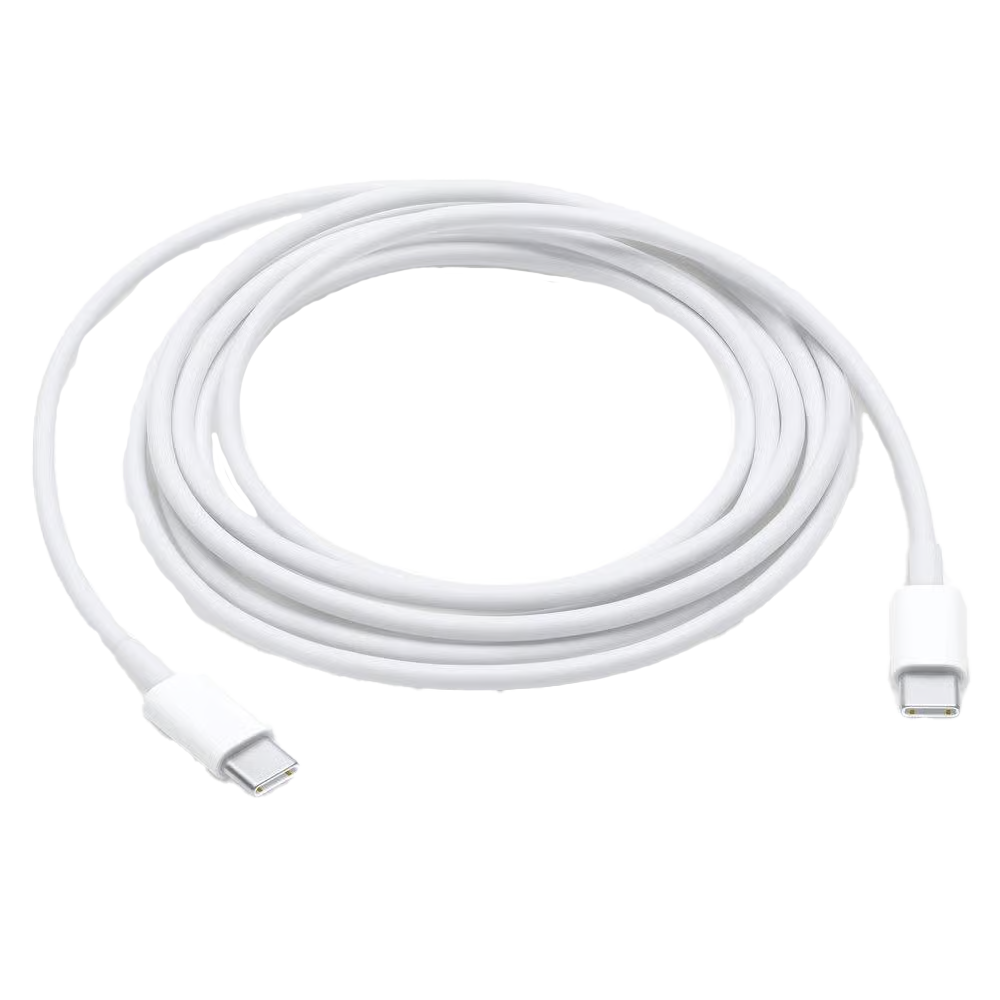
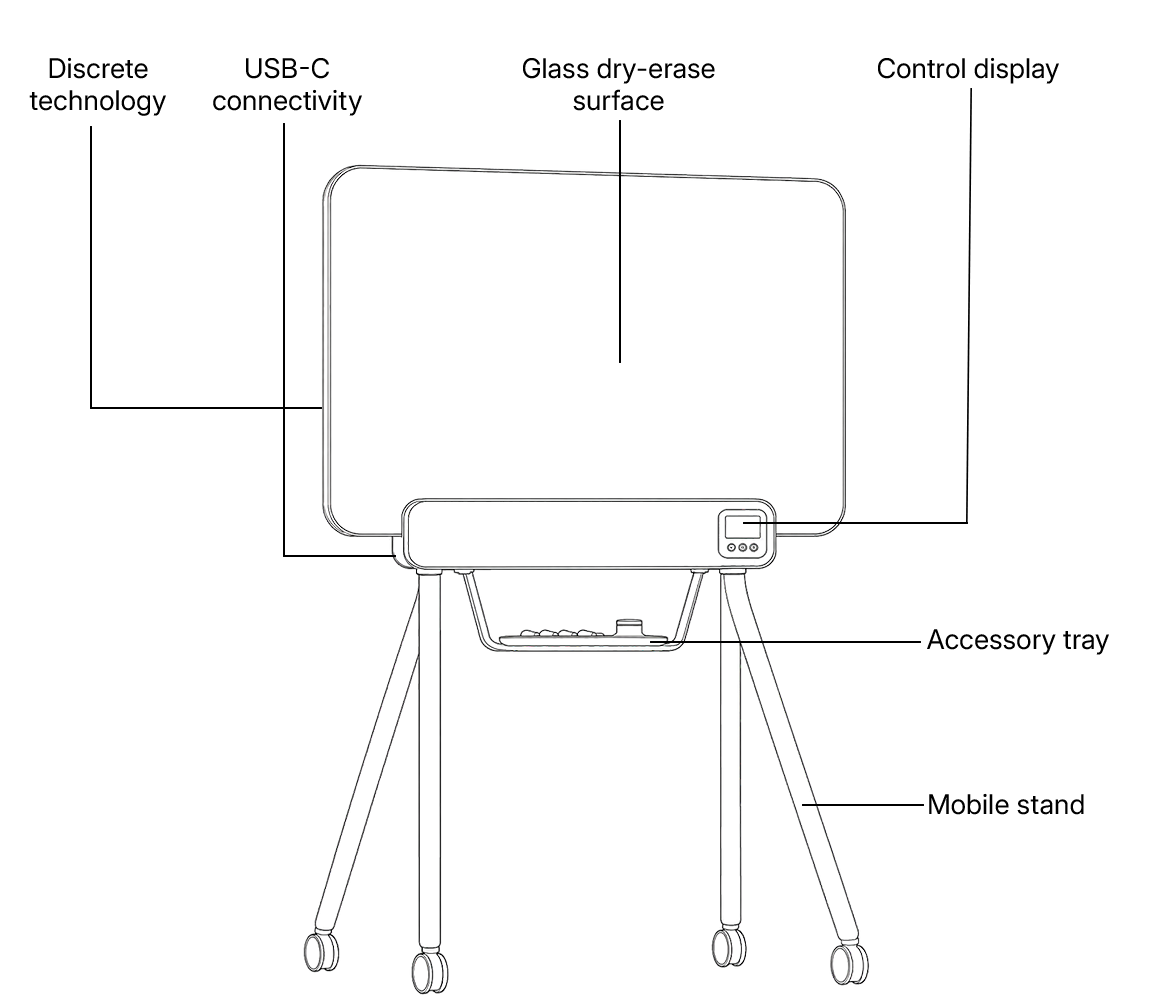
USB-C (power + data)
Built for the way your teams meet.
From the boardroom to the project room, iskn MIRRA brings natural writing and instant sharing wherever work gets done.
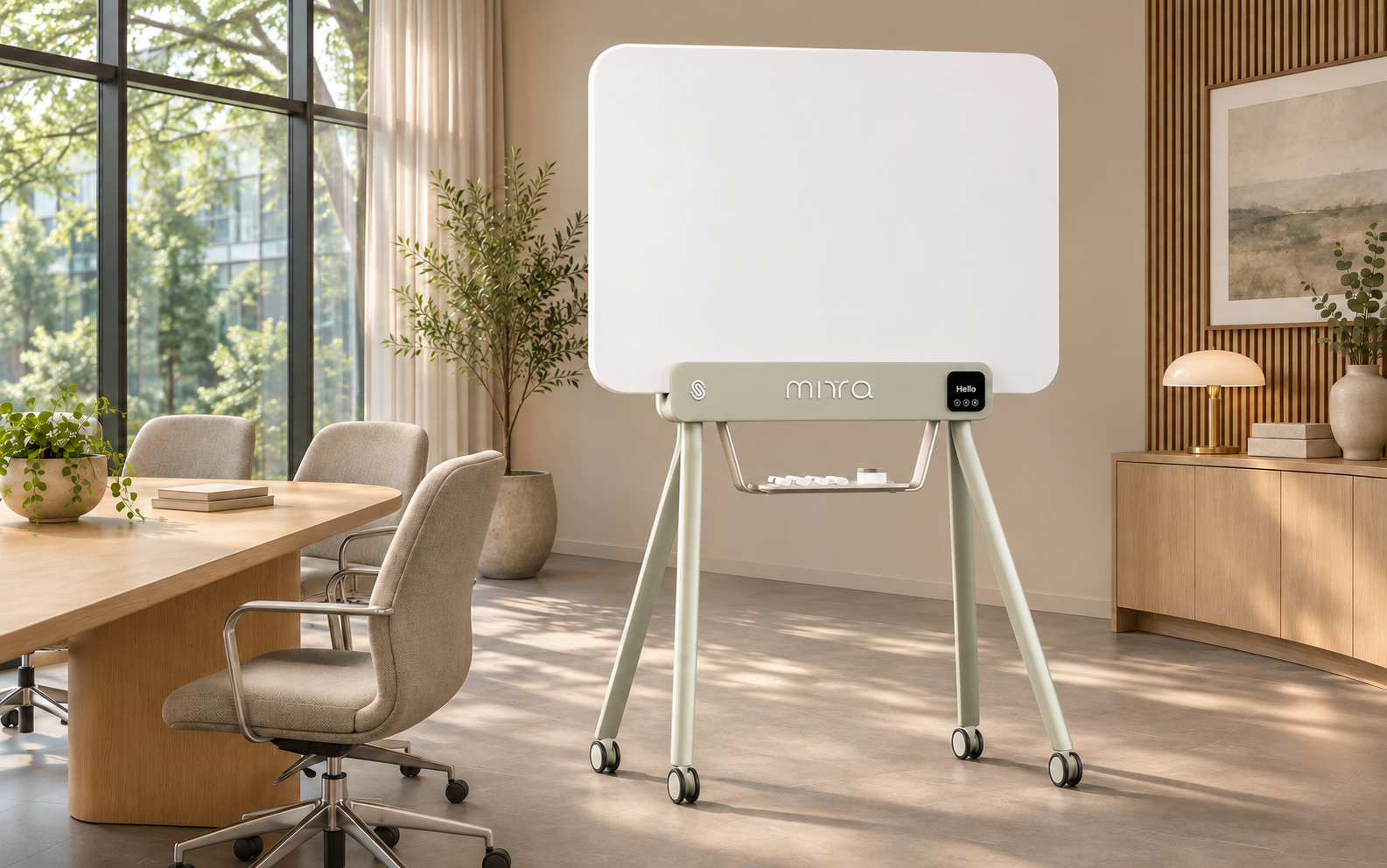
Boardrooms &
meeting rooms.
Where strategy takes shape and every decision-maker has a seat, wherever they are.
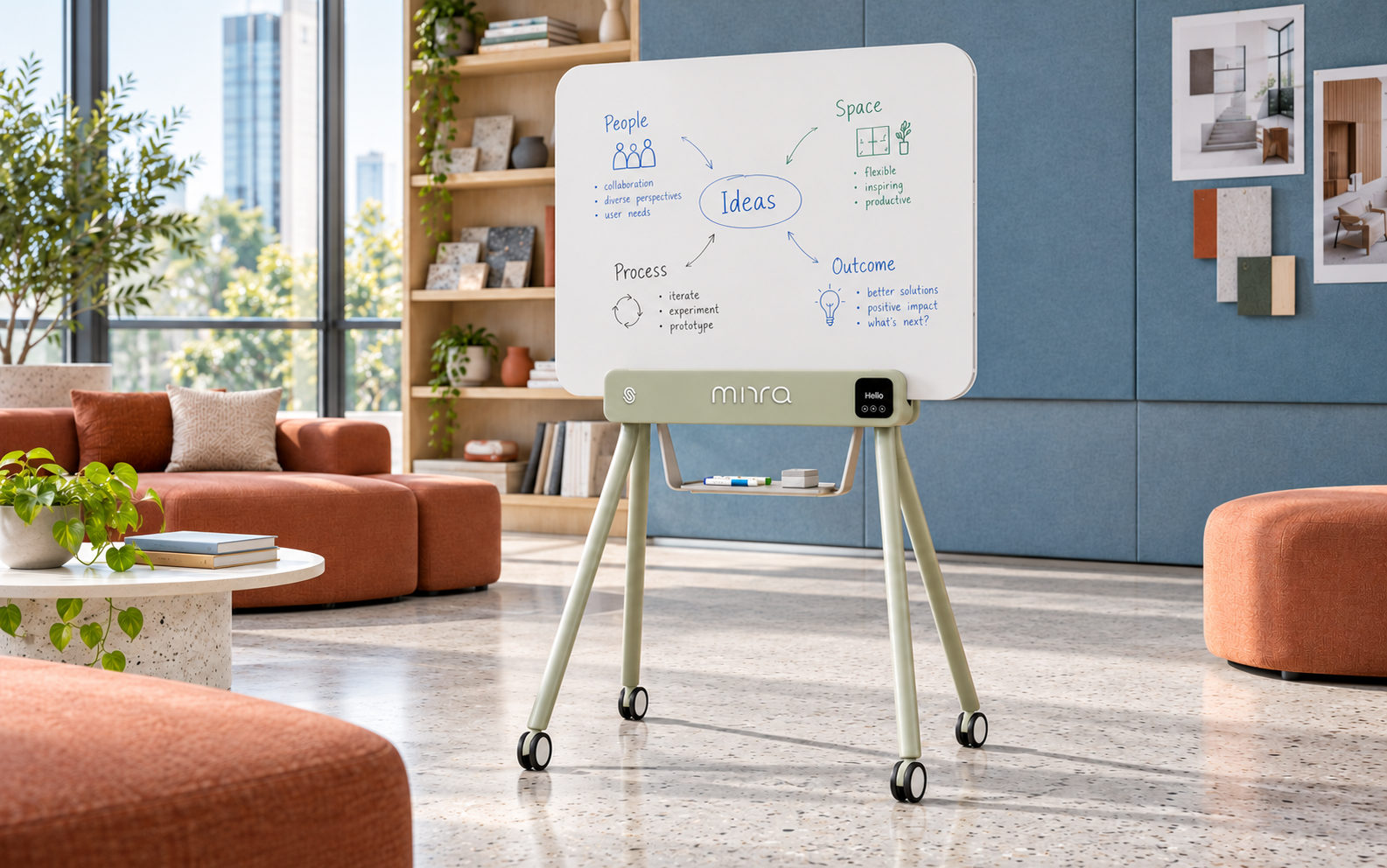
Brainstorming
spaces.
Spark ideas, build on each other, never lose a breakthrough.
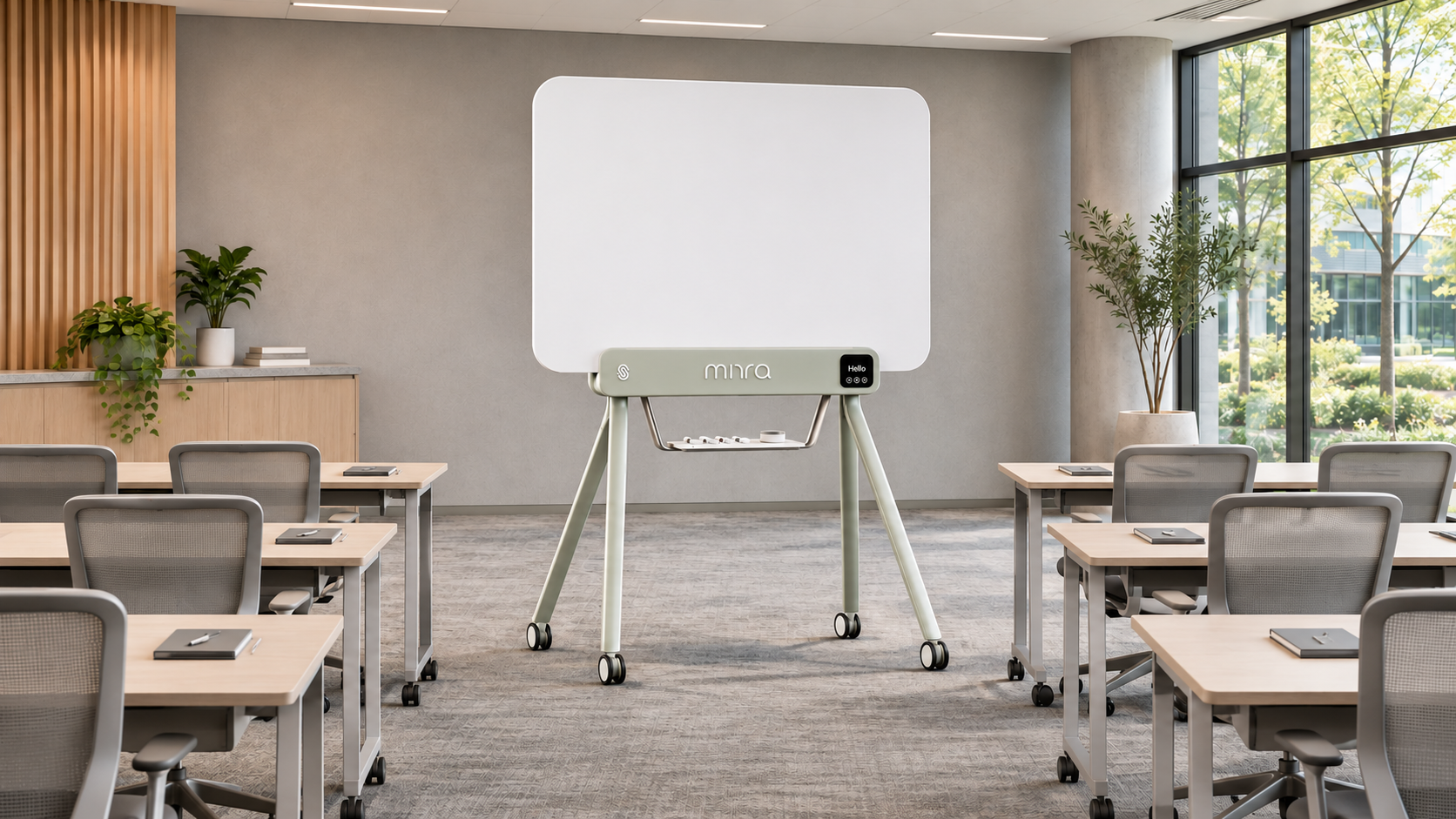
Training rooms.
Teach visually, share instantly, leave no learner behind.
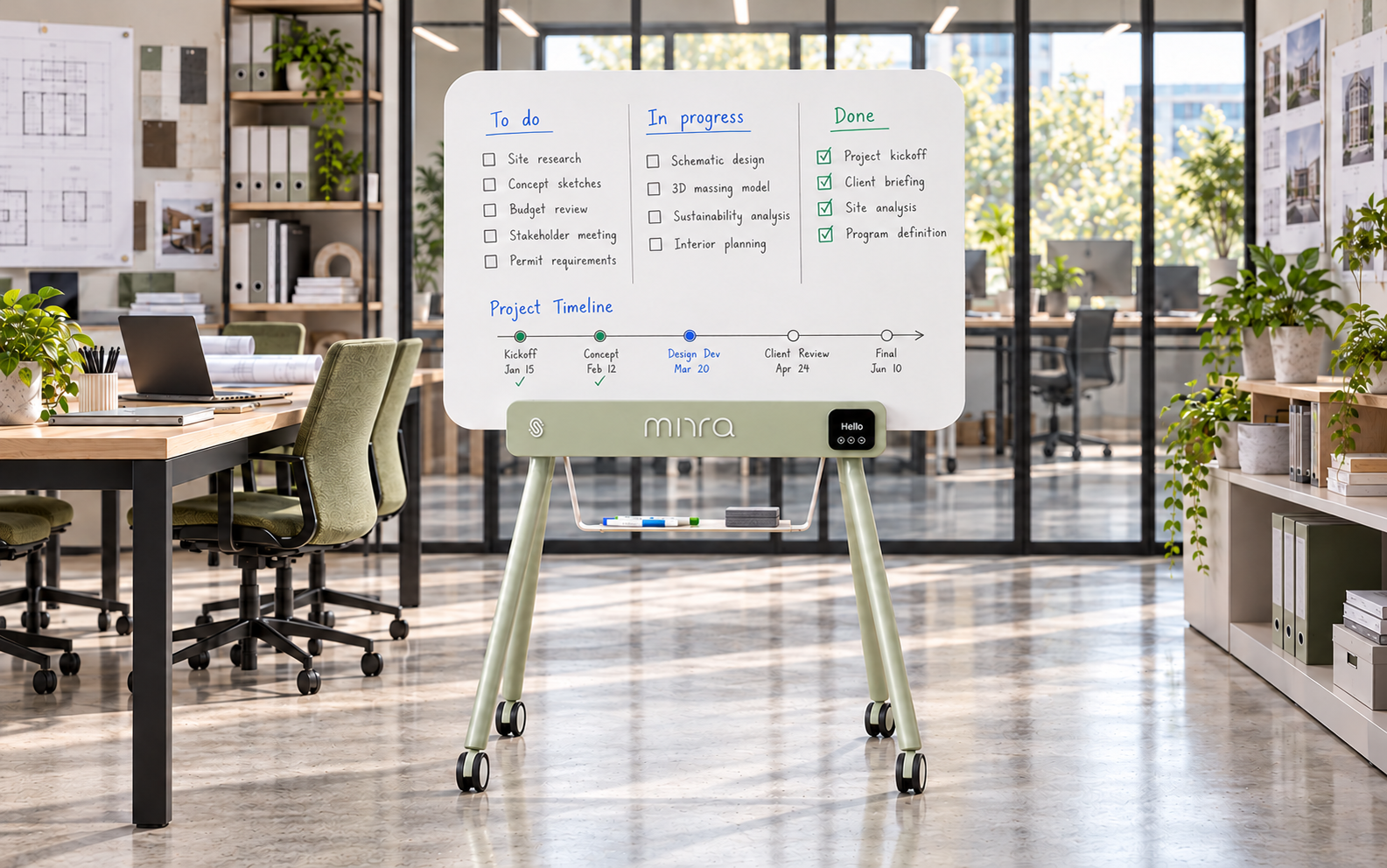
Project spaces.
One plan, shared across sites, moving forward together.
Good ideas keep moving.
Bring remote teams into conversation. Build ideas together. Share what comes next.
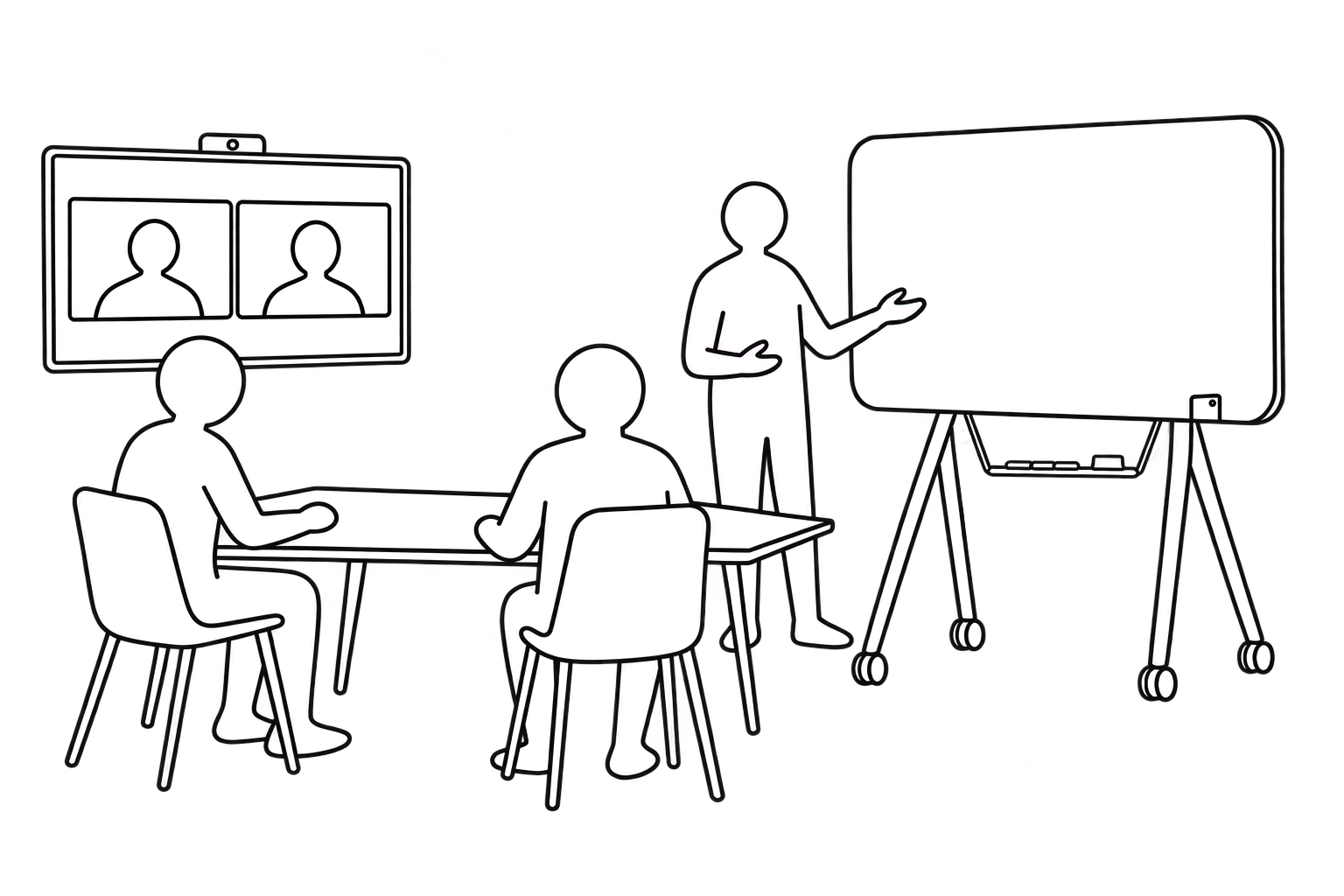
1.
Connect live.
Join your usual video call with your remote team and plug in your Digital Markerboard.
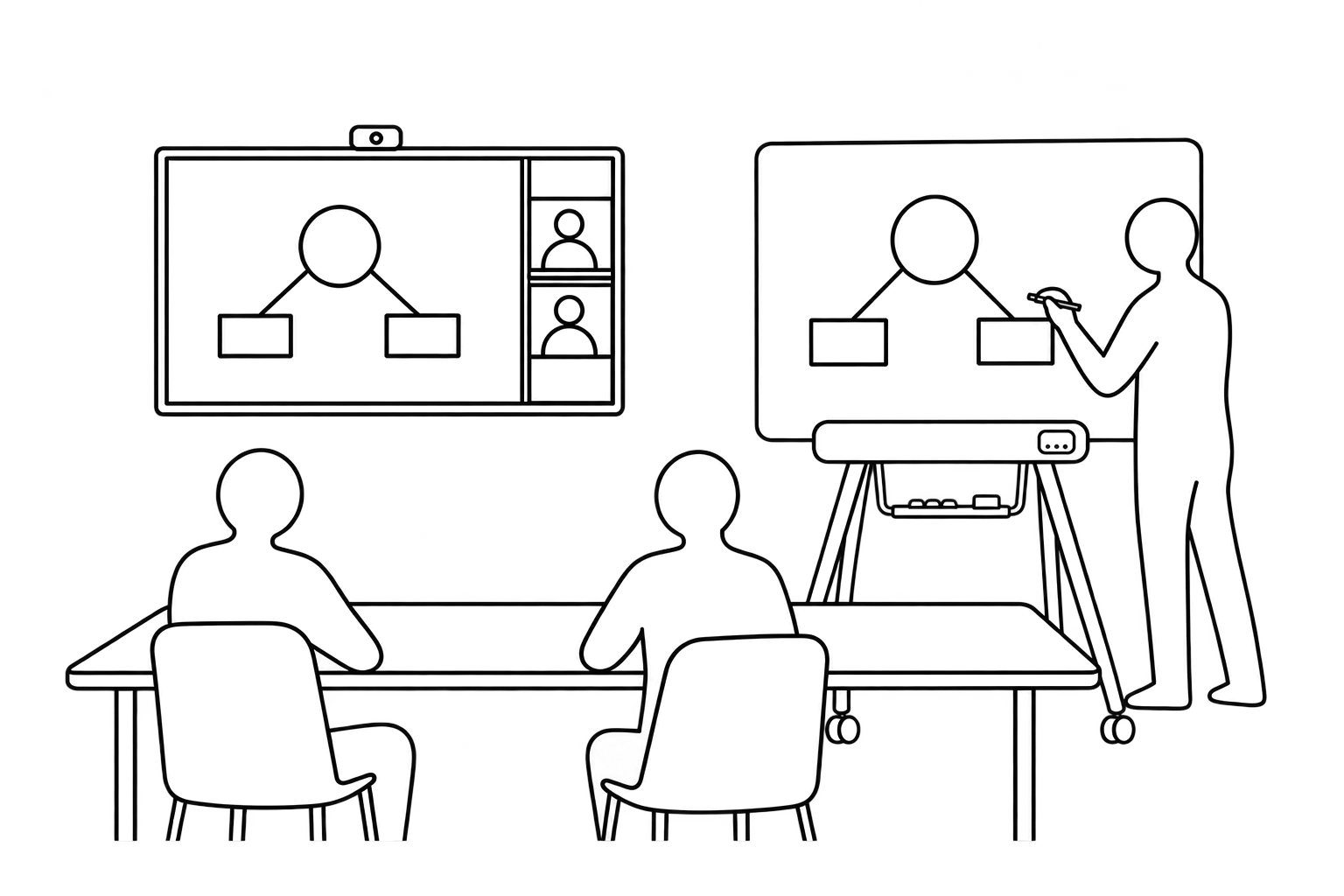
2.
Build together.
Make every idea visible, wherever your team is.
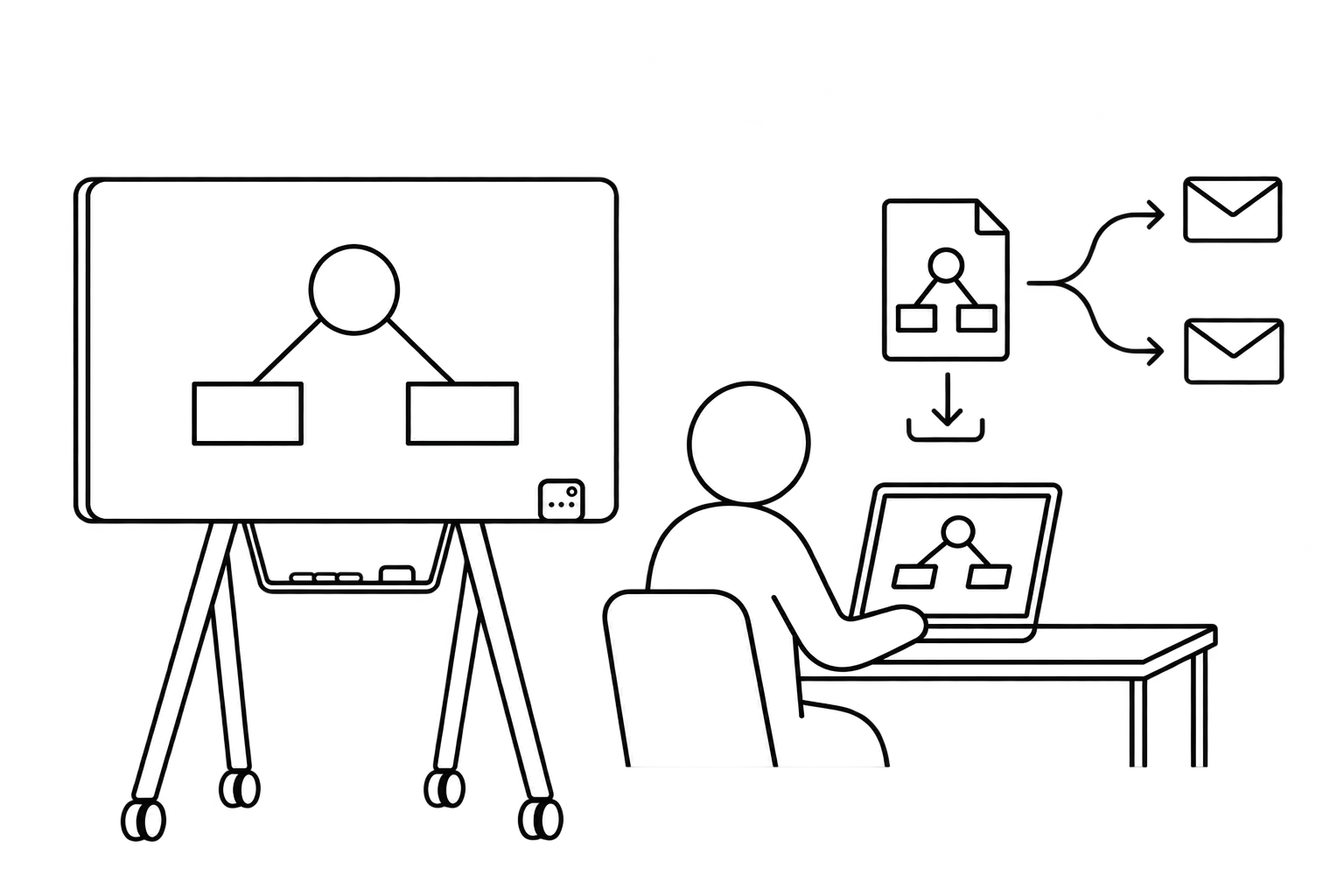
3.
Keep the momentum.
Save and share the outcomes after the meeting.
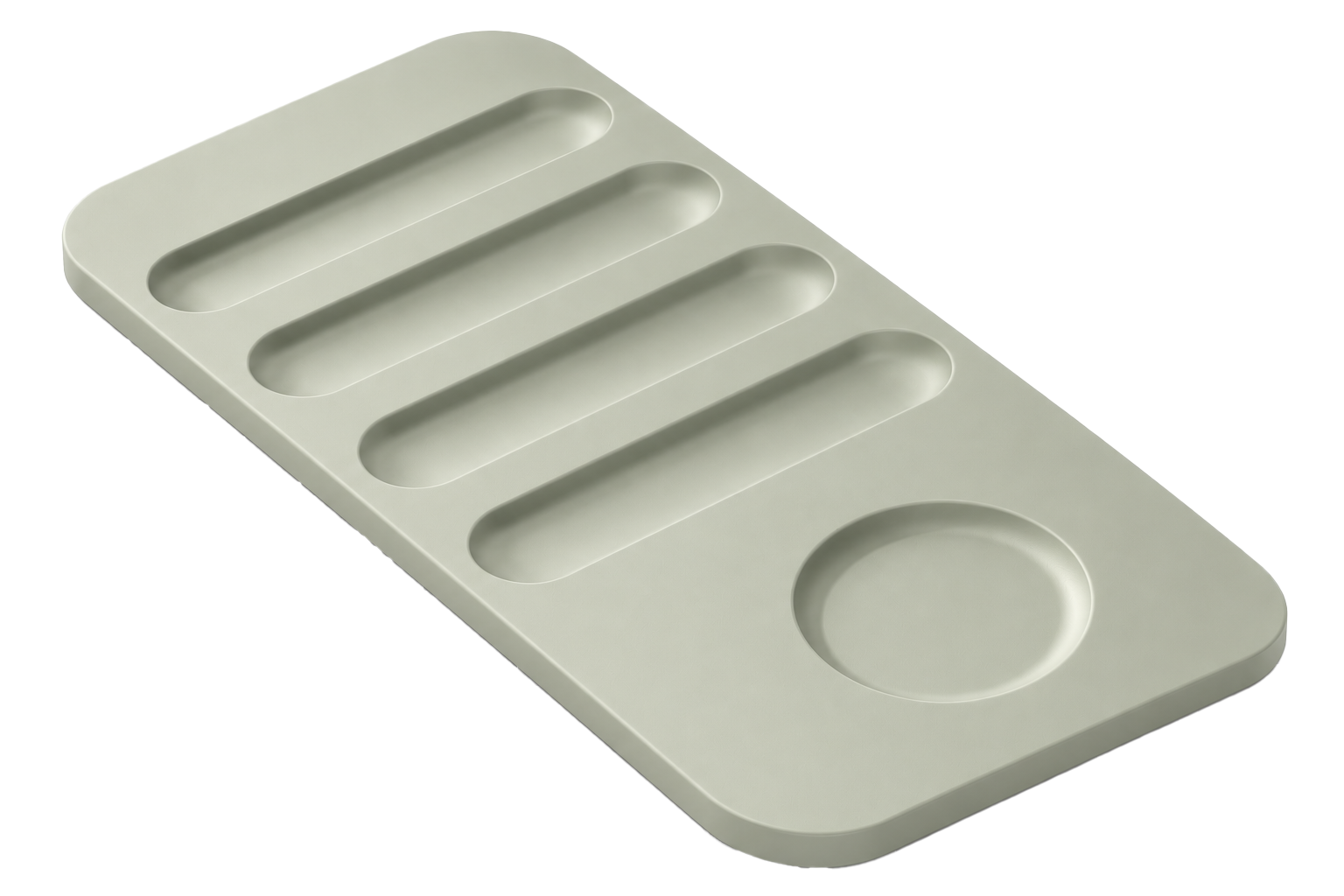
What’s in the box ?
Features.

Real-time digital
capture

Natural writing &
erasing

Automatic tool &
color detection

Live sharing
Instant PNG & PDF
export
Characteristics.
Your IT team will love this.
Designed for confidential meetings. Built to fit your IT environment.

No camera.
Greater privacy.
Capture what you write without filming the room, participants, nearby documents or screens.

Local processing.
Local storage.
Writing data goes directly to the app on the connected computer. Saved content stays on that computer, with no automatic upload to an external cloud.

No cloud required.
Write, capture and save without relying on an external cloud platform or service.

USB-C.
No network setup.
The board connects directly to a compatible computer, without joining your corporate network. No built-in wireless connection.

You control what gets
shared.
Decide what to share, when and with whom, using your organization’s chosen collaboration tools.

Deployment designed
for IT.
A signed application and an MSIX package support machine-level installation, helping IT deploy across company computers.
FAQs.
What is the iskn MIRRA Digital Markerboard?
The iskn MIRRA Digital Markerboard combines a dry-erase whiteboard with real-time digital capture. Write and erase with compatible markers and an eraser while your content appears in the dedicated app.
How does digital capture work?
The board uses magnetic sensing technology to track compatible writing tools fitted with Magnetic Noses. No camera or calibration is required.
Can I use it as a regular whiteboard?
Yes. You can write and erase on the surface without connecting it. To capture your content digitally, connect the board and use compatible accessories.
Can I use any dry-erase marker?
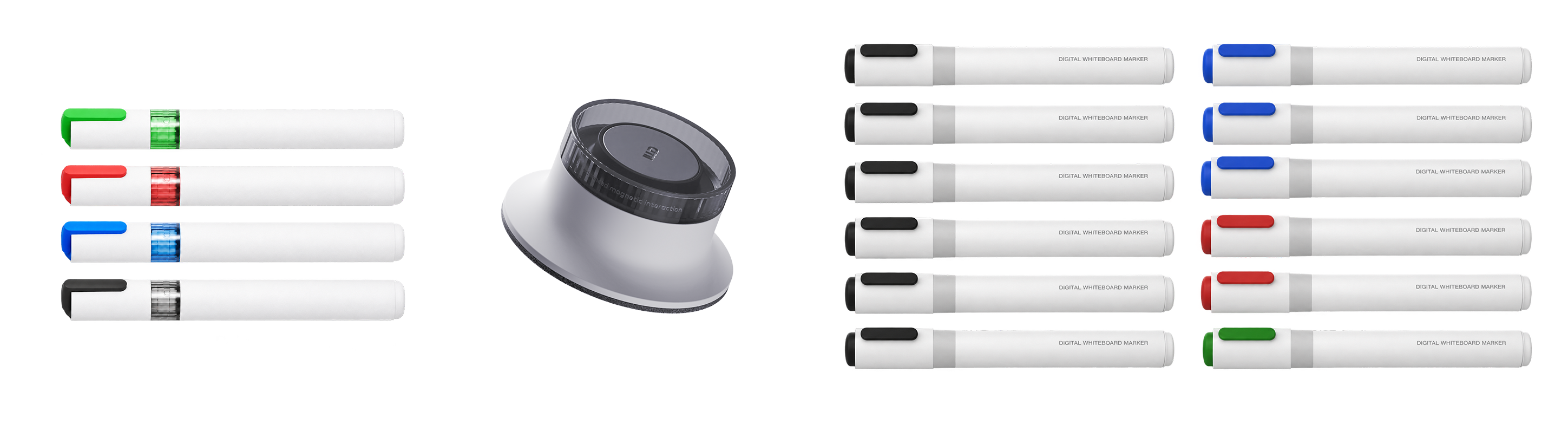
Digital capture requires a compatible marker fitted with a Magnetic Nose. Marker Refills are available separately in our shop.
How do I connect the board to my computer?
Connect the Digital Markerboard to your computer via USB and open the dedicated app to start capturing your writing.
Does it need to be plugged into an electrical outlet?
No separate electrical outlet is required. The board is powered through its USB type C connection.
Can remote participants see what I’m writing?
Yes. Share the dedicated app’s window through your video conferencing platform so remote participants can follow your writing in real time.
Can I save and share my notes after a meeting?
Yes. Save and export your captured content from the app, then share it with your team.
Does erasing on the board also erase the digital content?
Yes. When you use the compatible eraser, your erasing actions are reflected in the app in real time.
Does the board use a camera or record the room?
No. The Digital Markerboard captures writing through magnetic sensing technology, without filming the room or its participants.
Does it work in different lighting conditions?
Yes. Digital capture does not rely on a camera, so it works independently of room lighting.
Do I need to change the way I write?
No. Write and erase naturally, as you would on a conventional whiteboard. Your content is captured as you work.
Newsletter
Verfolgen Sie alle Neuigkeiten und Angebote von iskn.
Informationen zum E-Mail-Tracking in unserer Datenschutzerklärung.